
Building a world
Importing and exporting
Bring in lore books from other apps, setting guides and rulebooks (read by the AI into lore and a rule system), or another Worldtable world; take your world, lore and rules away as files.
What the tab is for
The Studio's Import & Export tab, at the bottom of the tab list, does two jobs. It brings in what you've already written somewhere else, so you don't type it all again. And it lets you take your world away as a file: to keep a backup, to start another world from this one, or to use your lore in another app.
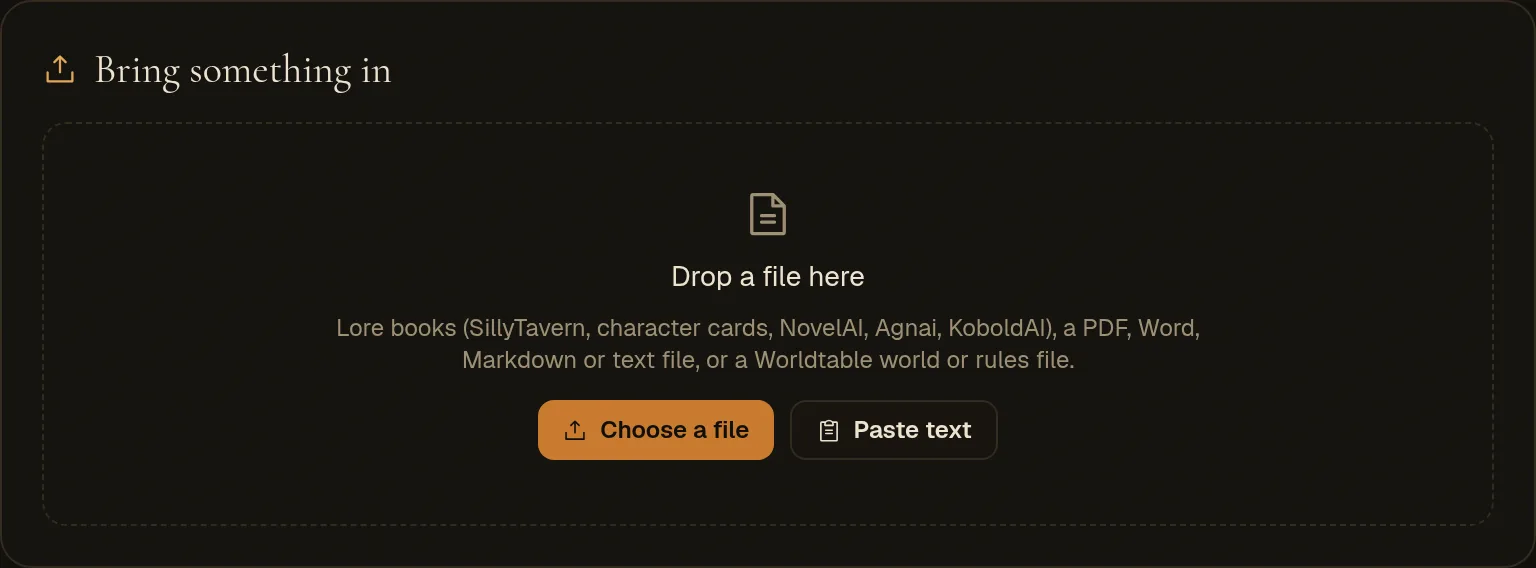
Bringing something in always goes the same way:
- 1Drop a fileOr paste text. One file at a time, up to 60 MB.
- 2It works out what it isA lore book from another app, a Worldtable file, or a book to read.
- 3You pick what to keepA checklist of lore entries, parts of a world, or a drafted rule system you can read first.
- 4Only then does your world changeThrough the same autosave as your own edits. Rules come with an undo.
| You drop | What it becomes | AI? | Cost |
|---|---|---|---|
| A lore book | Lore entries you tick to keep (and a cast member, from a character card) | No | Free |
| A Worldtable world file | Any parts of that world you pick: setting, peoples, lore, rules, map… | No | Free |
| A Worldtable rules file | A rule system, ready to use | No | Free |
| A book | Lore entries, and a rule system if it's a rulebook | Yes | A little |
Lore books from other apps
A lore book (also called world info, a lorebook or a memory book) is a list of entries: a title, some text, and the keywords that bring it up. Our Lore tab works the same way, so these come straight across, with no AI. Engine It reads:
- SillyTavern world info (a
.jsonfile), and lore books exported from Chub; - character cards (V2 and V3), as their
.jsonor the.pngpicture itself, which carries the card inside; - NovelAI
.lorebookfiles, Agnai memory books and KoboldAI world info; - a plain list of entries with a name and some text, and Worldtable's own lore file.
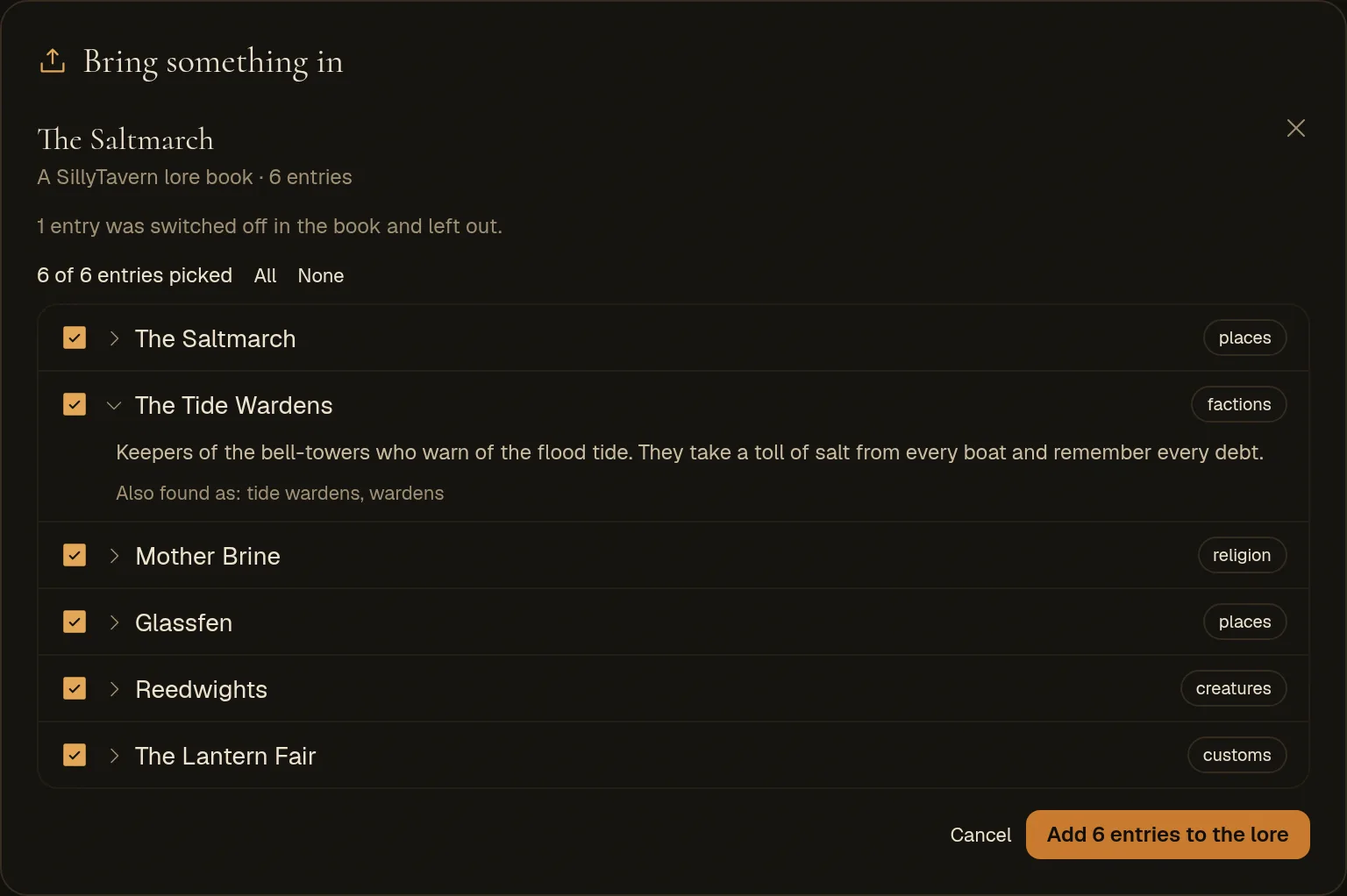
How an entry comes across
- Title
- The entry's name or comment; if it has none, its first keyword.
- What's true
- The entry's text. A very long one is cut at 12,000 characters, and the panel says so.
- Also look this up for
- Its keywords, the secondary ones too. A keyword written as a pattern (/court(s)?/i) becomes plain words.
- Kind
- Its group or category (Factions, Places…), or world when it has none. Change it on the Lore tab.
- {{user}} and {{char}}
- Become "the player" and the card's character, since your world has no single user or character.
- Switched-off or empty entries
- Left out.
Click Add … to the lore. An entry with the same title as one you already have is marked replaces yours, and adding it rewrites yours; Only new ones picks just the rest. A world holds up to 2,000 lore entries.
A character card brings its lore book, and also offers the character for your Cast: its description and personality become theirs, its scenario what they want. Untick Add … to the cast if you only want the lore.
Reading a book
Anything else with words in it is read by the AI: a rulebook, a setting guide, a campaign bible, your own notes. Storyteller It reads PDFs, Word documents (.docx), Markdown, text files and saved web pages, or text you paste. Up to about 2 million characters are read, roughly 600 dense pages.
Choose what to take
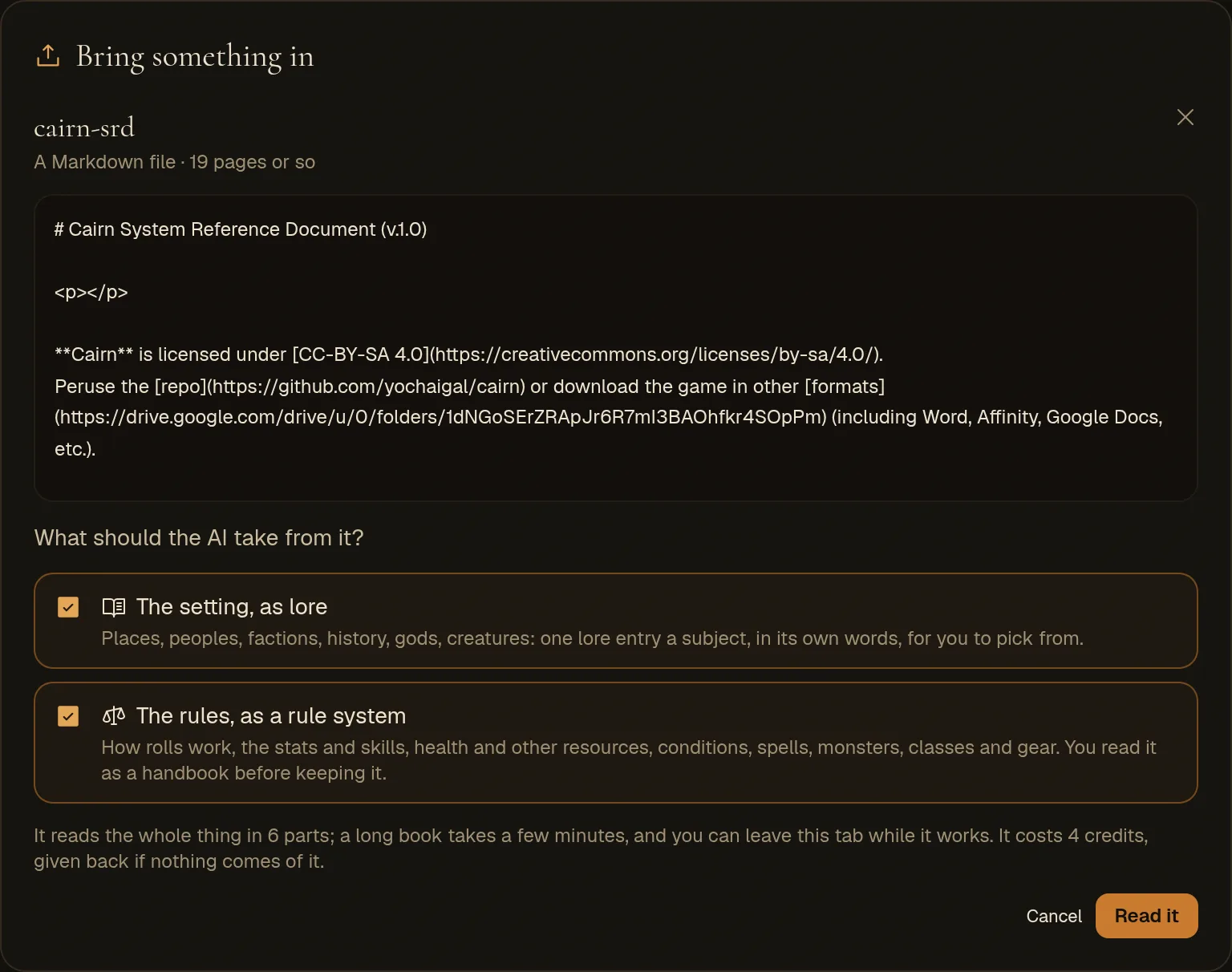
After the file is read you see its first lines and two choices:
- The setting, as lore: places, peoples, factions, history, gods, creatures and customs, as lore entries to pick from.
- The rules, as a rule system: how rolls work and everything the rules give a character and their foes. This is ticked for you when the text talks about dice.
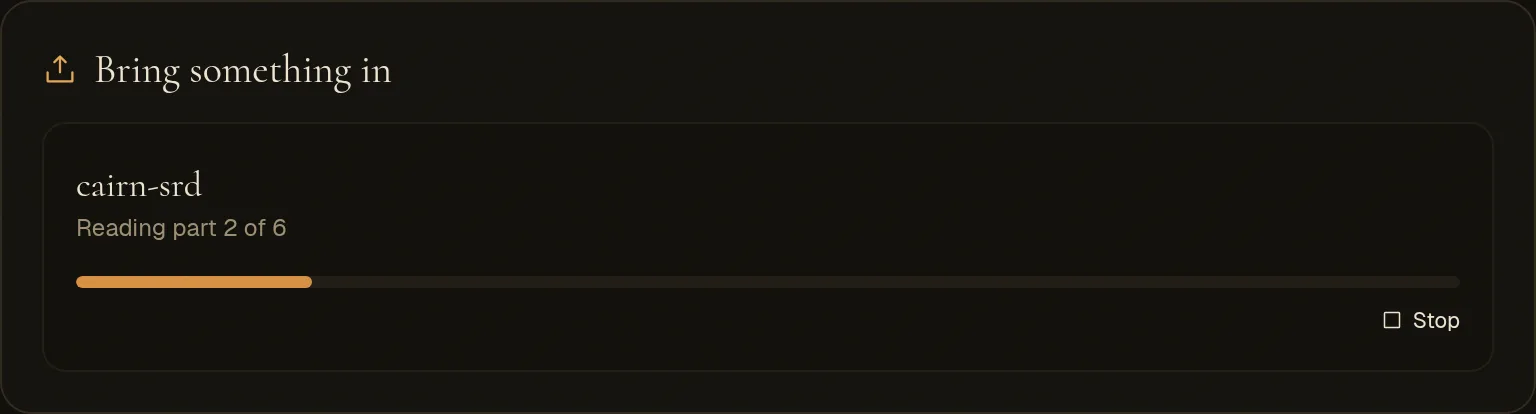
While it reads
A bar fills as the parts are read, about five pages each, a few at a time. A short book takes under a minute; a long handbook, a few minutes. You can switch tabs or close the page: the reading carries on, and the tab picks it up when you come back (for two hours). Stop ends it, and credits for a stopped book are given back. One book at a time per world.
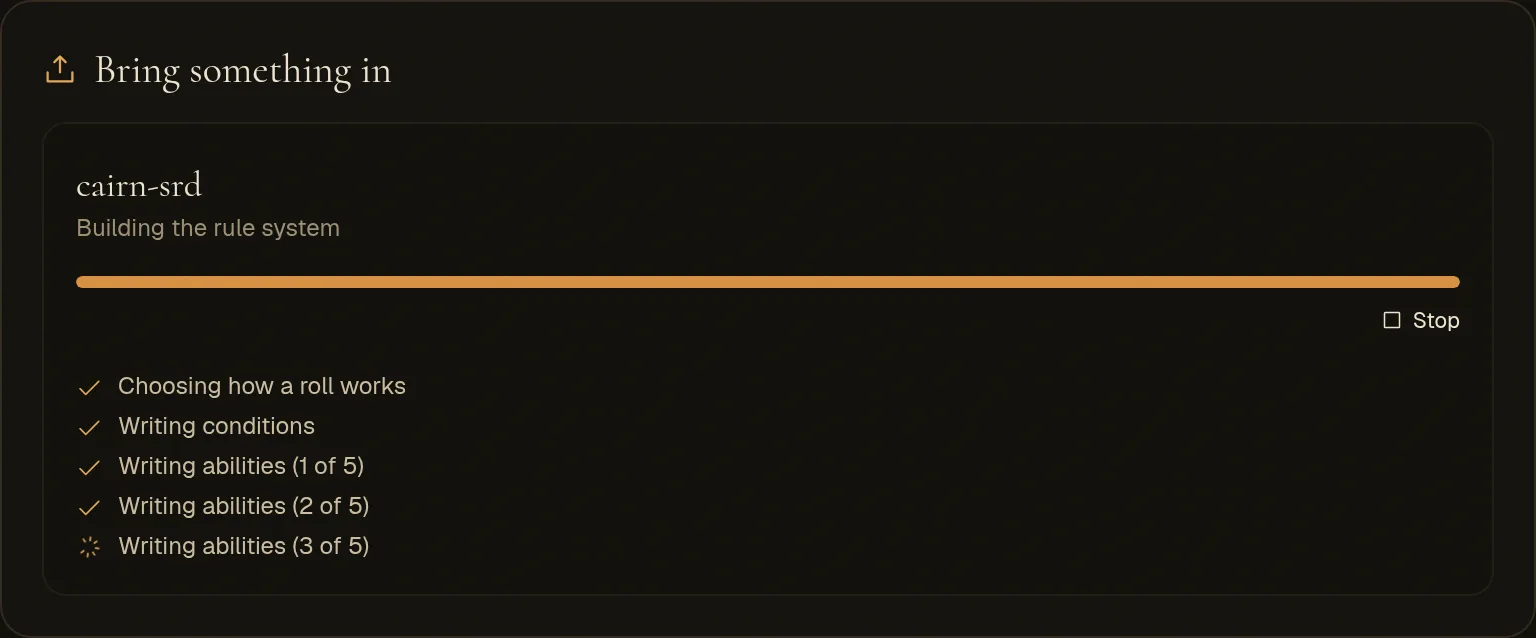
When it builds rules, the steps show as they happen:
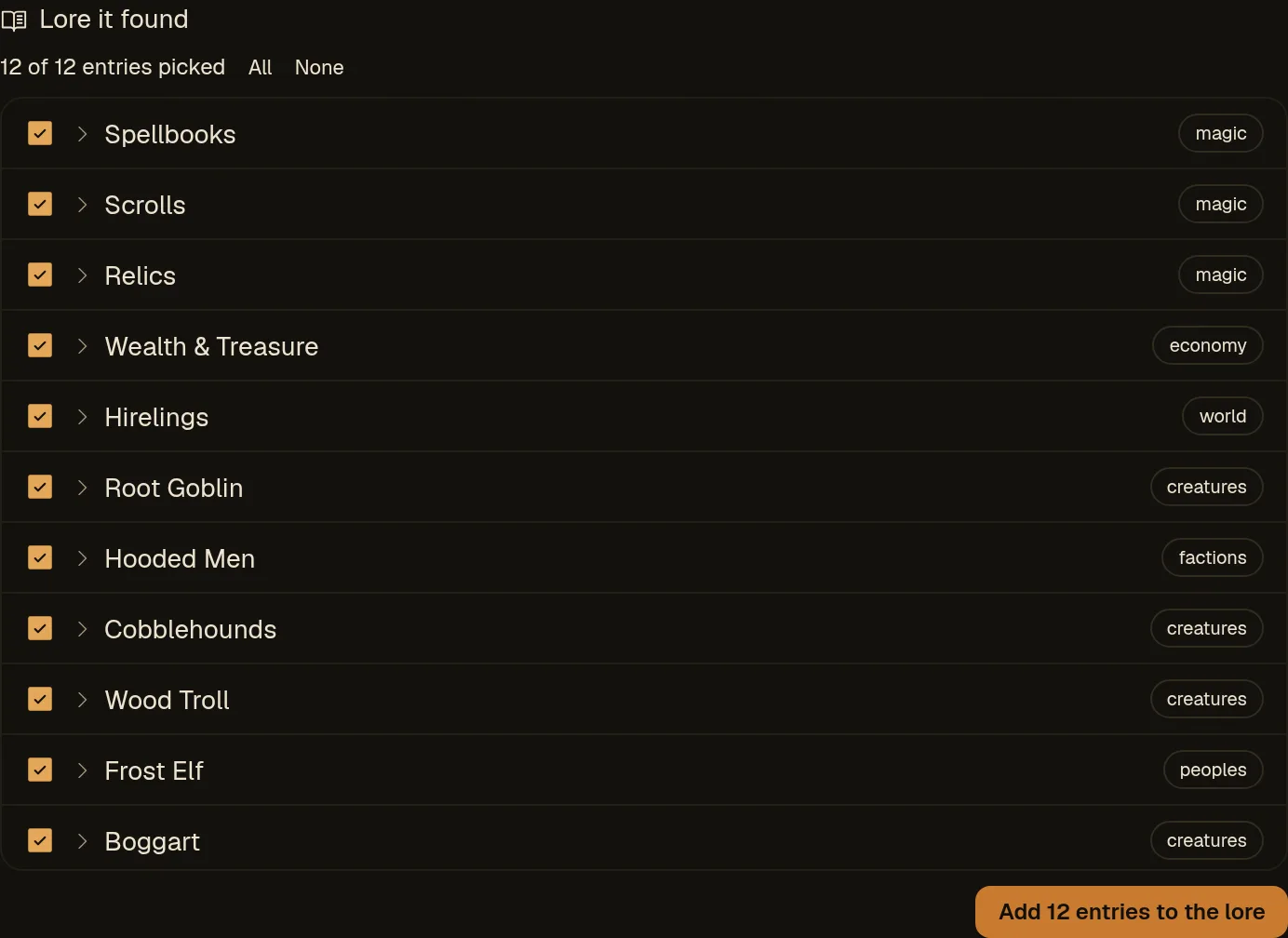
The lore it found
One entry per subject, written in the AI's own words, with every name kept as the book spells it. A subject that comes up in several parts of the book is one entry, its facts put together. Rules and game mechanics are left out of the lore. You pick entries the same way as from a lore book.
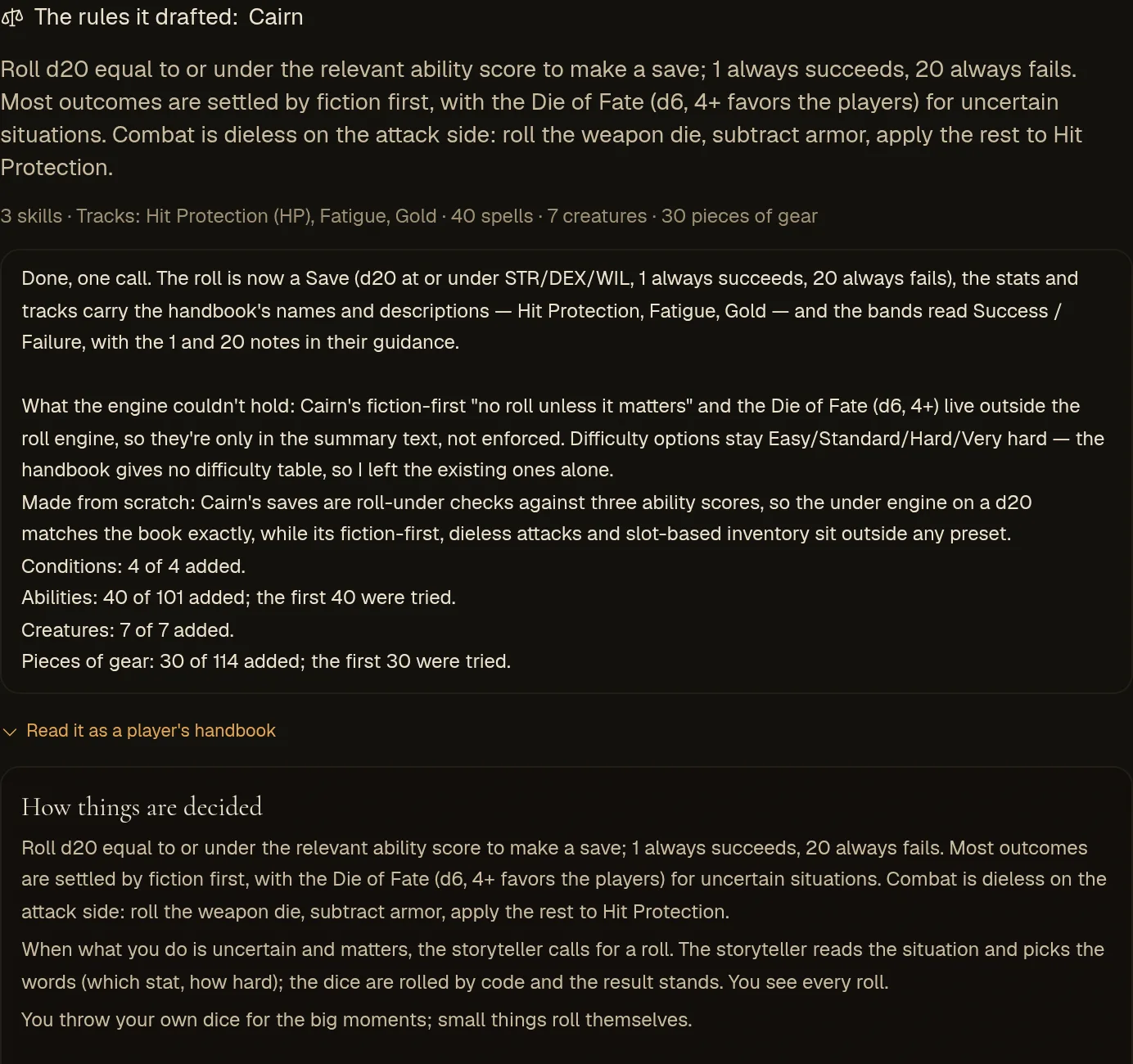
Rules from a handbook
When you ask for the rules, the AI turns the book's rules into a rule system in four steps. Engine checks every piece before it's kept:
- How a roll works. If the book plays like one of the six systems you can start from, it starts from that one: a d20 plus a modifier against a number is Classic d20; a pool of d6 read by the best die is Forged in the Dark; 2d6 plus a stat read as 10+, 7–9 and 6- is Moves. Otherwise it makes one from scratch, the way Making your own system does, with the book's dice, stats, skills and resources.
- The lists. Its conditions, then its spells and other abilities, its creatures and its gear. When the system is Classic d20, anything the book shares with the SRD (Magic Missile, a goblin, a longsword) is taken from the SRD library, already written and checked. The rest are written in small batches; anything that doesn't check out gets one fix, then a plainer version (a spell that just describes what it does), or is left out and named.
- The book's words. Stats, skills, tracks, the roll's outcomes and difficulty words renamed and described as the book has them.
- The credit. An open licence line in the book (Creative Commons, OGL, ORC) is kept as the system's credit.
Read it, then keep it
Nothing is saved yet. You see the system's name and summary, what it holds, and a few lines on what came across and what didn't. Read it as a player's handbook opens the handbook your players would read.
Use these rules makes it your world's rule system. It replaces the one you had; heroes already in the world keep their story and get a fresh sheet to review, as with any switch. Put the old rules back undoes it. After that the system is yours like any other: change it on the Rules tab or ask Hob.
What to expect
Four rulebooks that play very differently, as they came in:
| Book | Started from | What came across |
|---|---|---|
| Cairn (roll a d20 under a stat) | Made from scratch | Its saves, Hit Protection, fatigue and inventory slots; 40 spells, 7 creatures, 6 conditions, 30 pieces of gear |
| A fifth-edition SRD (d20 + modifier) | Classic d20 | Its stats and skills in its own words; 30 spells and 18 monsters, most from the SRD library |
| Dungeon World (2d6 + stat, moves) | Moves | Its five stats, HP and outcome names; 40 moves and its gear |
| Blades in the Dark (d6 pool) | Forged in the Dark | All twelve actions in its words; 40 abilities and its gear |
What doesn't come across yet
- Classes and playbooks are named in the summary but not built. Add them on the Rules tab, or ask Hob.
- A stat or resource the starting system lacks isn't added (Dungeon World's sixth stat, its Load). Add it on the Rules tab.
- Long lists are cut: the first 40 abilities, 30 creatures, 30 pieces of gear and 20 conditions in the book. Add more from the Rules tab or the library.
- The storyteller's own tools (a die of fate, morale, a scars table) stay with the storyteller. A rule card can make one of them a rule.
What it costs
Lore books, Worldtable files and exports cost nothing. Reading a book uses the AI, paid the way your world pays for everything else (credits, or your own key):
| On credits | On your own AI key | |
|---|---|---|
| Reading a book | 1 credit for every 100,000 characters (about 30 pages) | About 1 cent per 30 pages on the default model |
| Building a rule system | 3 more credits | About 2 cents |
Worldtable files
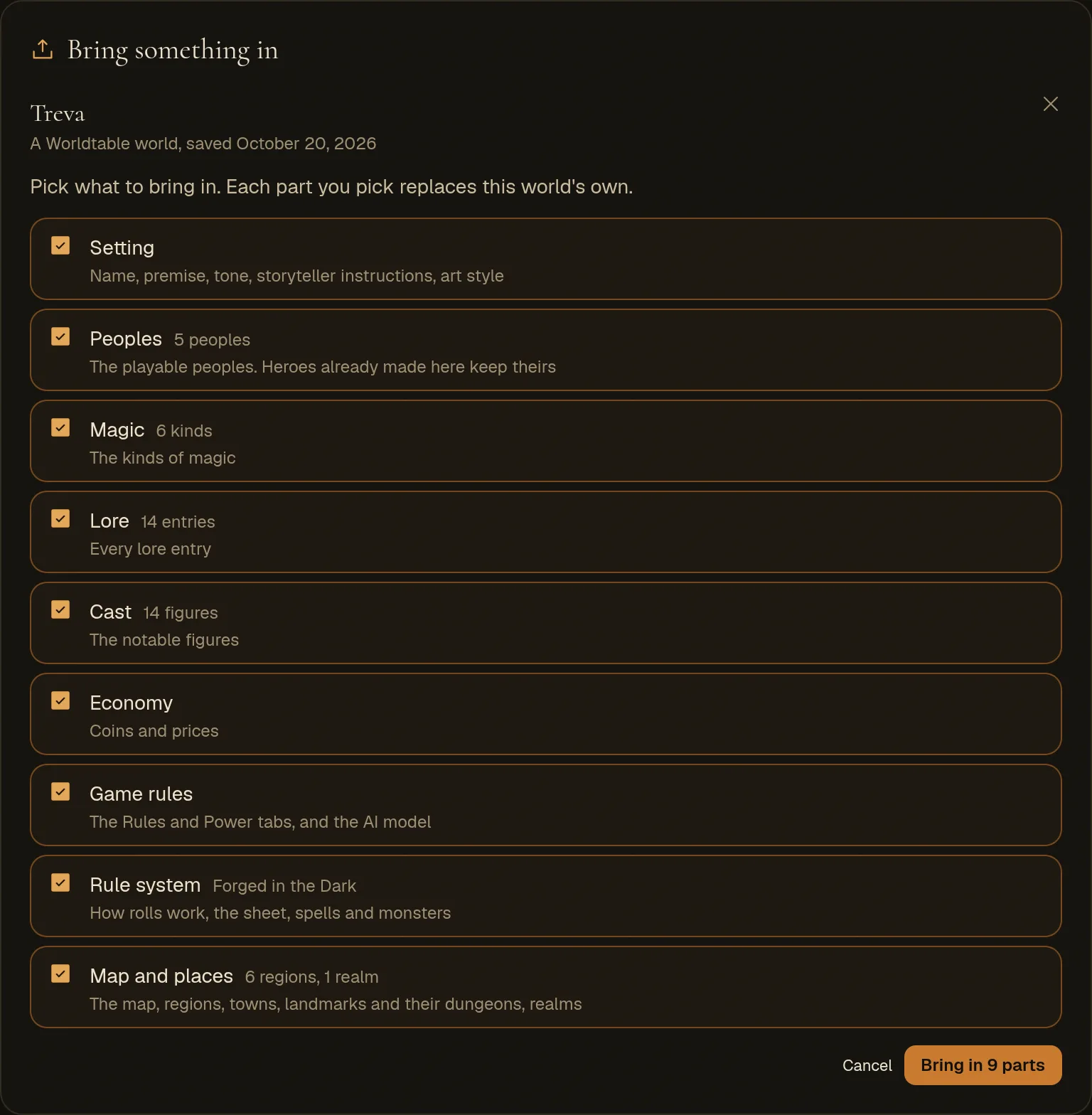
A world file (made by World file below) holds a whole world. Dropping one shows its parts with a count for each; tick the ones you want. Each part you pick replaces this world's own:
- Setting
- Name, premise, tone, storyteller instructions, art style.
- Peoples
- The playable peoples. Heroes already made here keep theirs.
- Magic, Lore, Cast, Economy
- As on those tabs.
- Game rules
- The Rules and Power tabs, and the AI model choice.
- Rule system
- The whole rule system, with its spells and monsters.
- Map and places
- The map, regions, towns, landmarks, realms and their lore, and the dungeons under the landmarks. Only into a world that isn't published yet: a published world's map is fixed.
Bringing in a part you didn't want can be undone from the Studio's earlier versions; a rule system from Put the old rules back or the Rules tab. A rules file (made by Rules file below) brings in just a rule system, the same way as one drafted from a book.
Taking it with you
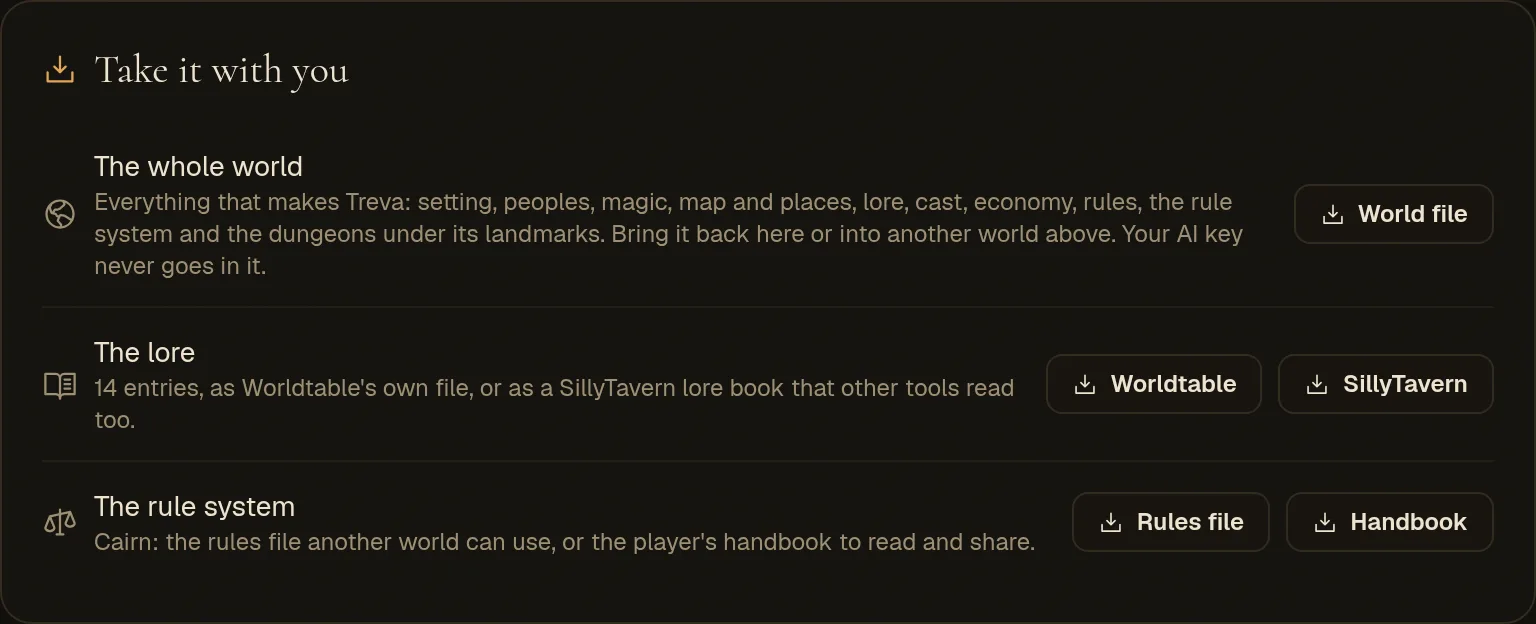
- World file
- Everything: setting, peoples, magic, map and places, lore, cast, economy, rules, the rule system, and the dungeons under your landmarks. Your AI key is never in it. Bring it back into this world or another from the same tab.
- Lore: Worldtable
- Your lore entries, for another Worldtable world.
- Lore: SillyTavern
- Your lore as a SillyTavern lore book, which SillyTavern and the apps that read its format can use. Each entry's title and its look-up words become its keys.
- Rules file
- Your rule system, for another world.
- Handbook
- The player's handbook for your rules, as a Markdown page to share or print.
When something goes wrong
- "This PDF has no text in it"
- It's scanned pages. Export it with text, or paste the text.
- "That JSON isn't a Worldtable world, a rule system or a lore book"
- It's JSON in a shape the tab doesn't know. If it's a lore book, export it from its app as SillyTavern world info.
- "Couldn't work out how its rolls work"
- The book's core rules weren't found or were too scattered. Paste just the chapter on how rolls work, or pick a preset on the Rules tab and bring in the rest as lore.
- "Needs an AI key (or credits)"
- Reading a book uses the AI: add a key or credits on the AI tab.
- A part of the book was skipped
- A part the AI couldn't read twice is skipped and counted in the notes; the rest still comes in.