Worldtable in seven languages
Play Worldtable in English, Spanish, Japanese, Korean, Portuguese, German or French: a language button at the top, Worldtable's worlds in your language, and translated editions for builders. Machine-translated, so tell us what reads wrong.
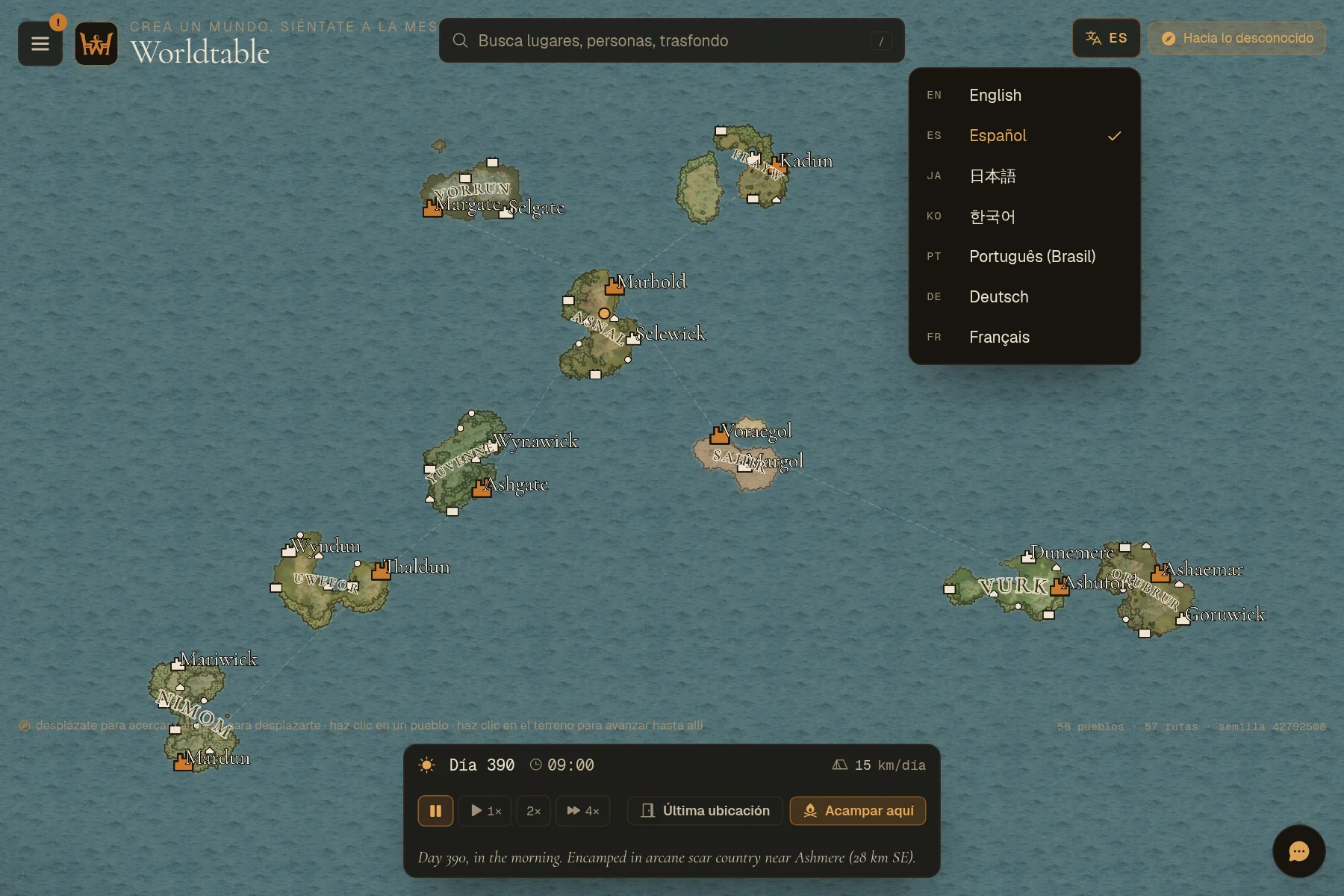
English, Español, 日本語, 한국어, Português (Brasil), Deutsch, Français. You can now use Worldtable and play its worlds in any of these seven languages, from the buttons to the storyteller's last line.
Pick your language at the top
There's a language button in the top bar of the map, your worlds, the character workshop and the public pages. Tap it, choose a language, and the page reloads in that language. Worldtable remembers your choice everywhere else too.
The button changes the interface. A story is told in its world's language, which you choose when you enter a world (below).
Worlds in your language
All eight of Worldtable's own worlds now have editions in other languages. An edition is the same world, with the same map, people, magic and rules, told in a different language.
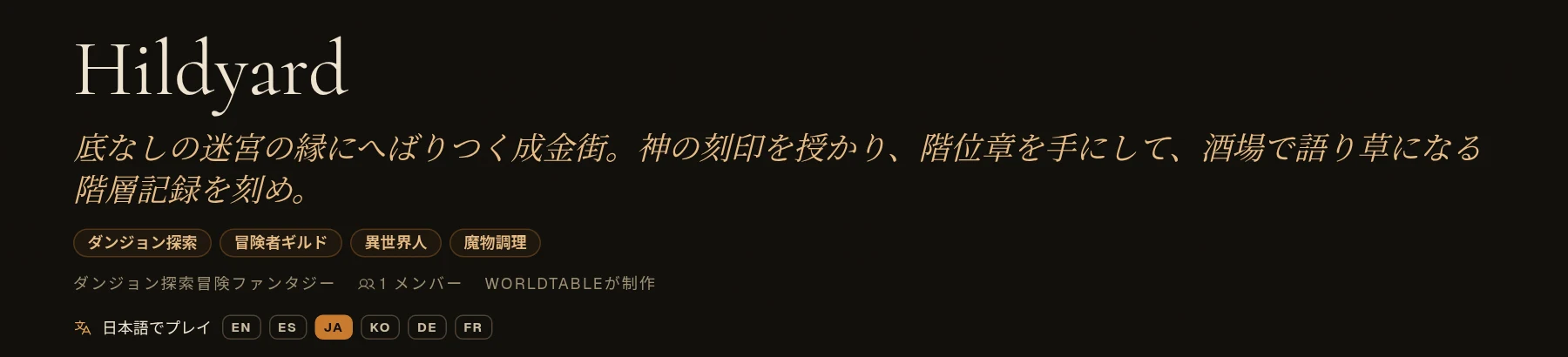
When you enter one of these worlds for the first time, its card shows the languages it's played in. Pick one before you press Play. Your own language is picked to start with.
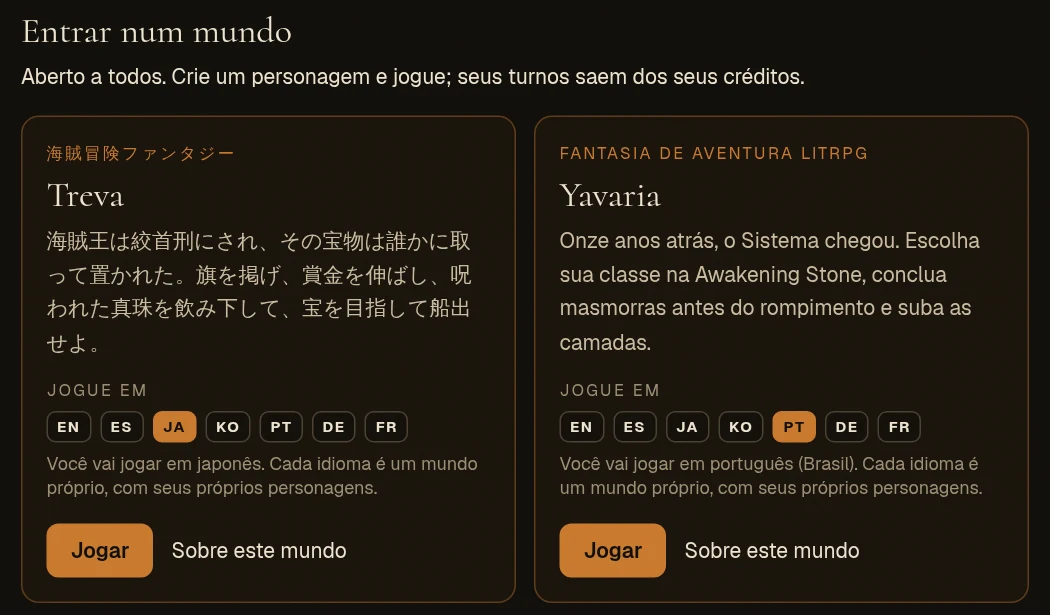
- Everything you read is in that language: the narration, what people say to you, quests, your story so far, generated street and building names, coins and the monsters you meet.
- Names stay as they are. A town called Hildyard is Hildyard in every language.
- Each language is a world of its own, with its own players and characters. Your existing characters stay exactly where they are.
- Delves too. The host picks the language. If that dungeon's world isn't played in that language yet, it's translated when the delve opens. That takes about a minute, and only the first time.
Builders: add a language to your world
In the Studio, open World and scroll to Languages, then pick a language to add. The Studio shows the cost in credits before anything starts. On your own AI key it costs nothing. The new edition starts as a draft you can read through and publish.
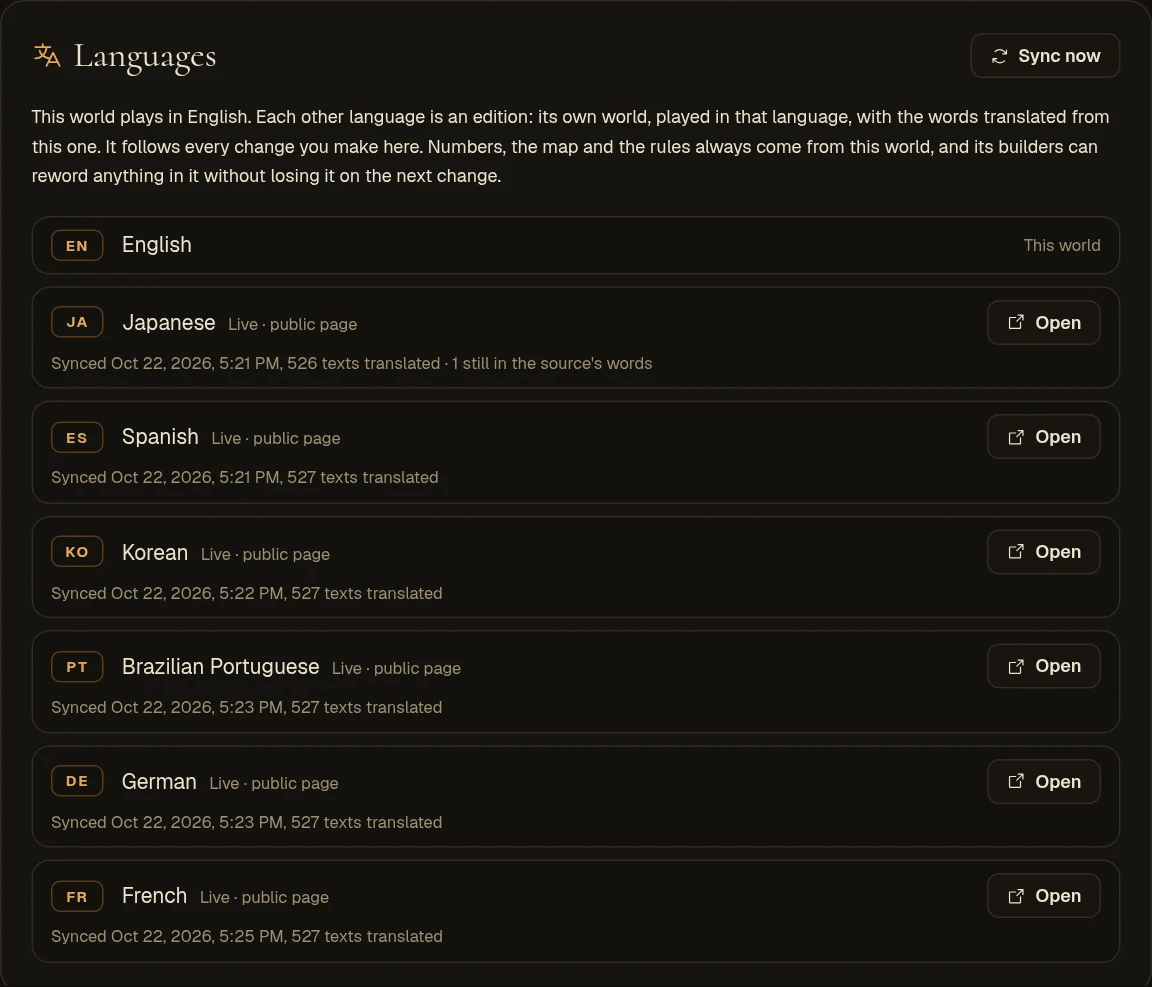
An edition follows your world. Change something in your world and the edition is re-translated a moment after you stop editing. The map, numbers and rules always come from your world. You can also reword anything in an edition yourself, and your wording is kept the next time the world changes.
These are machine translations
Everything here was translated by AI and has not been checked line by line by native speakers yet. If something reads wrong, sounds stiff or is just plain odd in your language, please tell us in Discord and we'll fix it. A screenshot or the exact line helps.