Oct 4, 2026mapcommunity
Search the Map, and the Tavern
Find any town, person you've met or piece of lore from the map, and talk with players from every world in the new OOC Tavern.
The map now has a search box, and the out-of-character chat has a Tavern that players from every world share.
Search the map
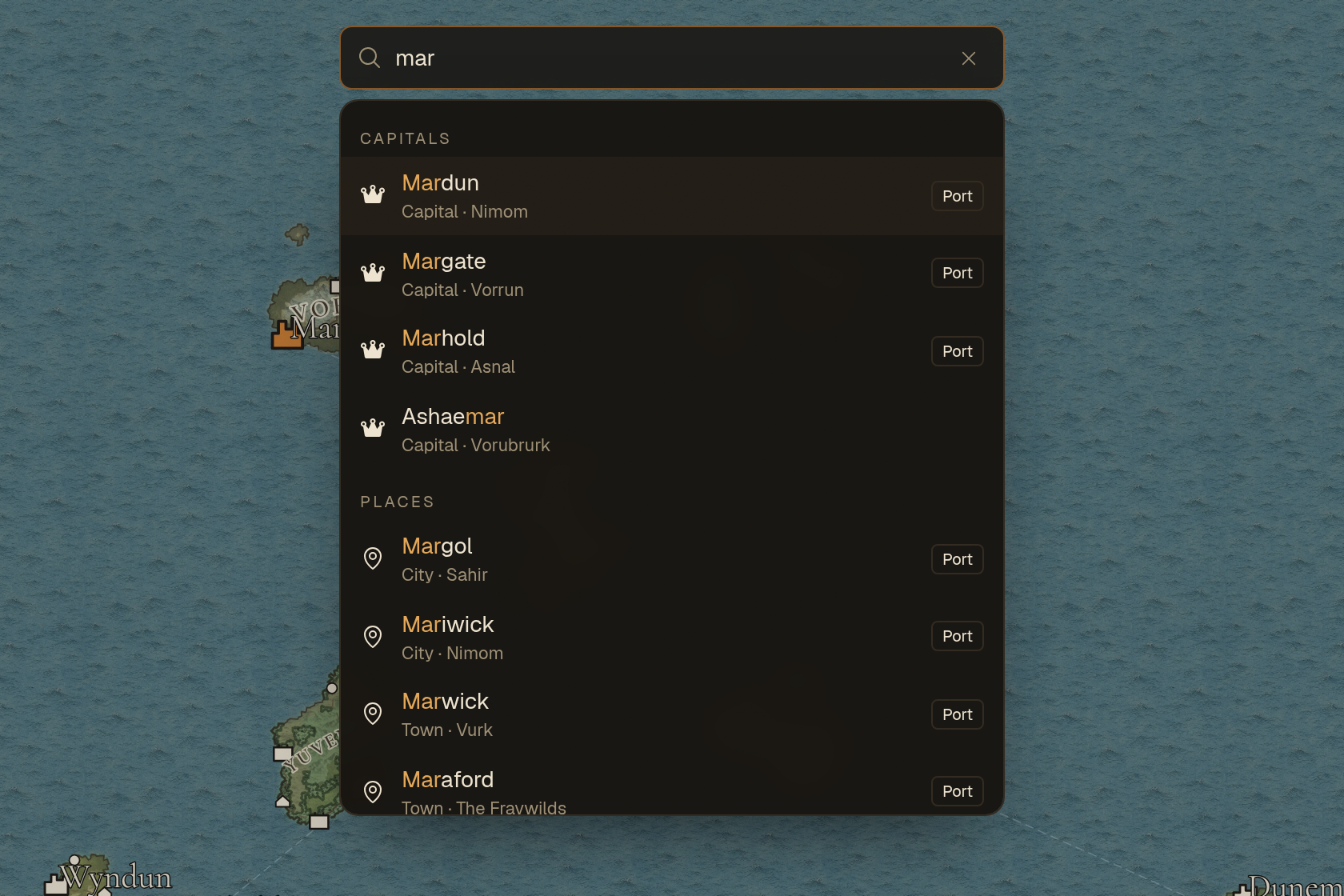
- Start typing in the box at the top of the map. Matches appear as you type, sorted into capitals, places, people and lore.
- Pick a town and the map flies there and opens its town card. Landmarks and charted places open their own card. Picking a region zooms out over it.
- People you've met come up by name, with where they are now. Pick one and the map marks the spot. The card icon at the end of the row opens their full page. Only people you've met are listed.
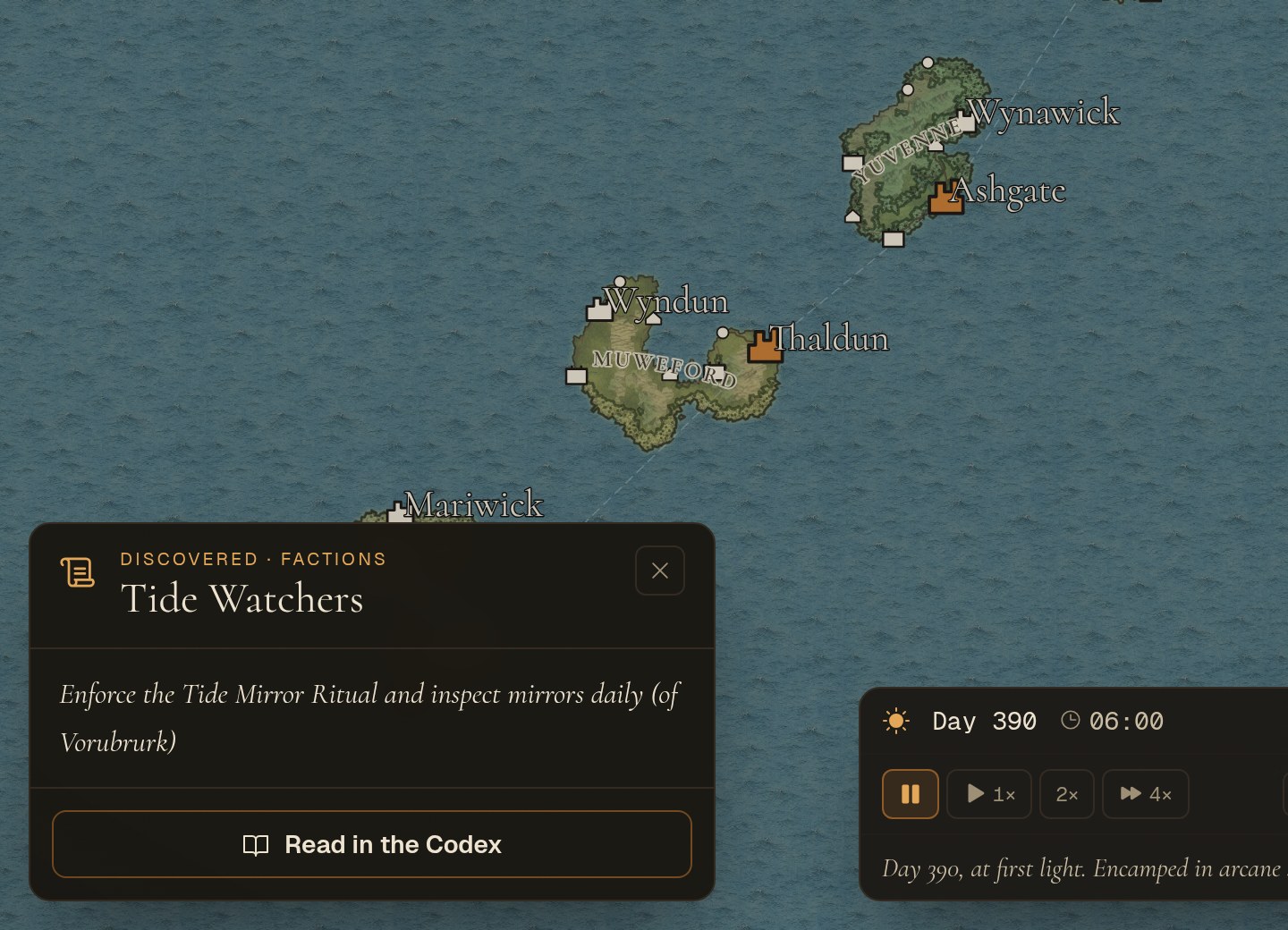
- Lore covers the world chapters of the Codex and everything discovered in play. Pick an entry to read it right there on the map, or tap Read in the Codex to open the chapter it comes from.
- On a keyboard, press / to jump to the search box, use the arrow keys to move through the results and press Enter to go.
The Tavern
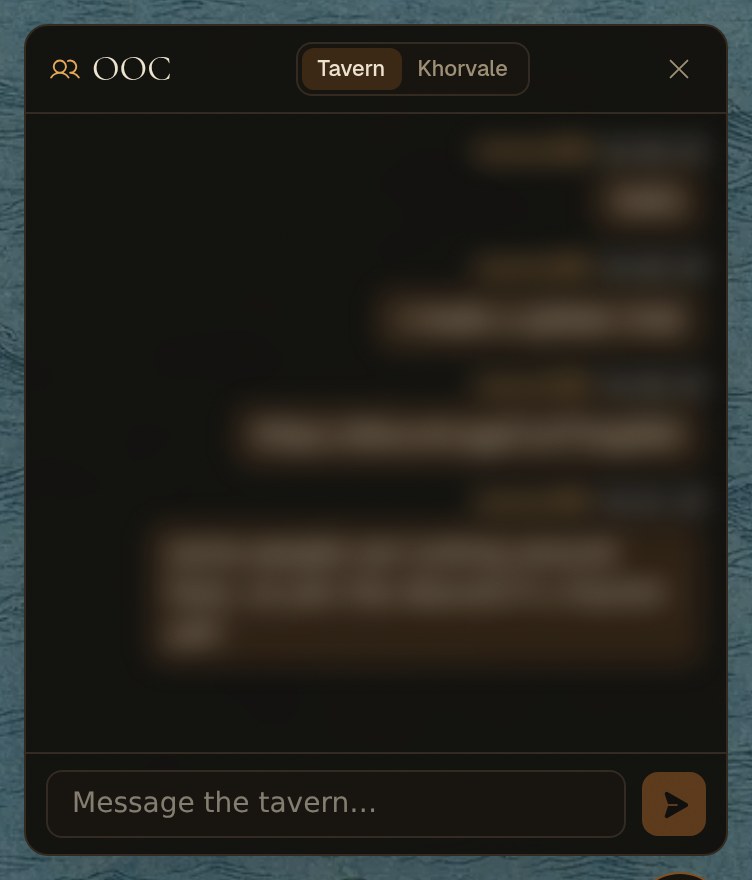
- The OOC chat (the button at the bottom right) now has two rooms. The Tavern is shared by players in every world, and it's the room the chat opens to.
- The second tab is your current world's own room, for talk that belongs to that world. Messages from before today are there.
- A dot on a tab means new messages in that room. The chat remembers which room you had open on that device.