Make your character with the Game Master
Make your character with the world's Game Master beside you: describe someone in a line, change anything by asking, pin what's yours, and learn the world from the Codex as you go.
Making a character used to mean a step-by-step form or a workbench full of reroll buttons. Now it's one sheet, with the world's own Game Master sitting beside it. Tell them who you'd like to play, ask anything about the world, and change any part of the sheet by asking or by typing. It's free.
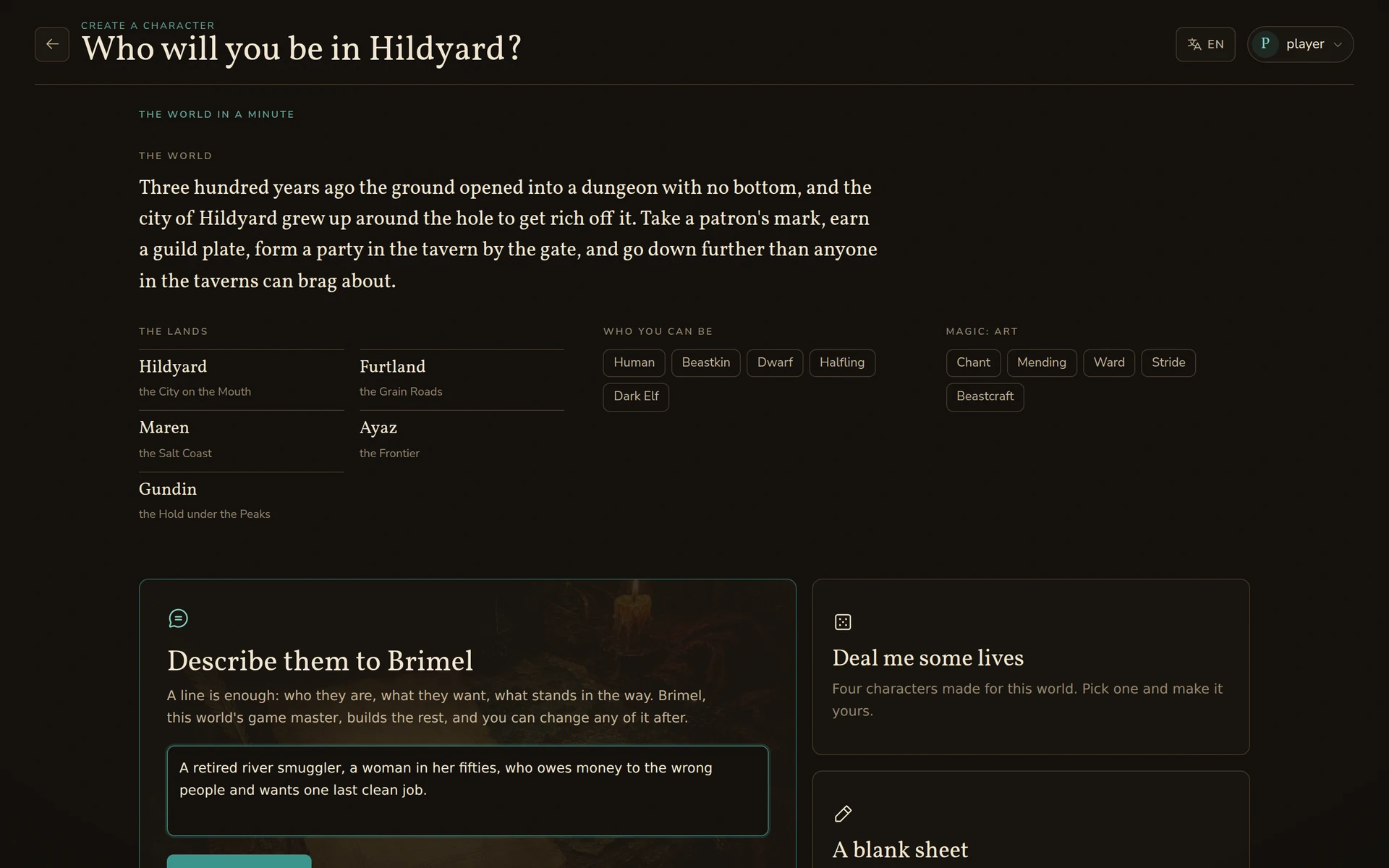
The world in a minute
A new world can be a lot to take in. The creator now opens with the short version: who you play, what the world is, its lands, its peoples and its magic. These are the same words the world's card shows on the Worlds page, so you can read up before you pick anything.
Three ways in
- Describe them. A line is enough: "a retired river smuggler who owes the wrong people and wants one last clean job." The Game Master picks a people and deals a name from the world's name tables. Then it writes the story, fills in the stats, packs the kit and picks where they start. When it's done, it tells you who it made and asks one question to make them better.
- Deal me some lives. Four characters made for this world, to pick from and make your own.
- A blank sheet. Write every part yourself. The Game Master answers when you ask.
Change anything by asking
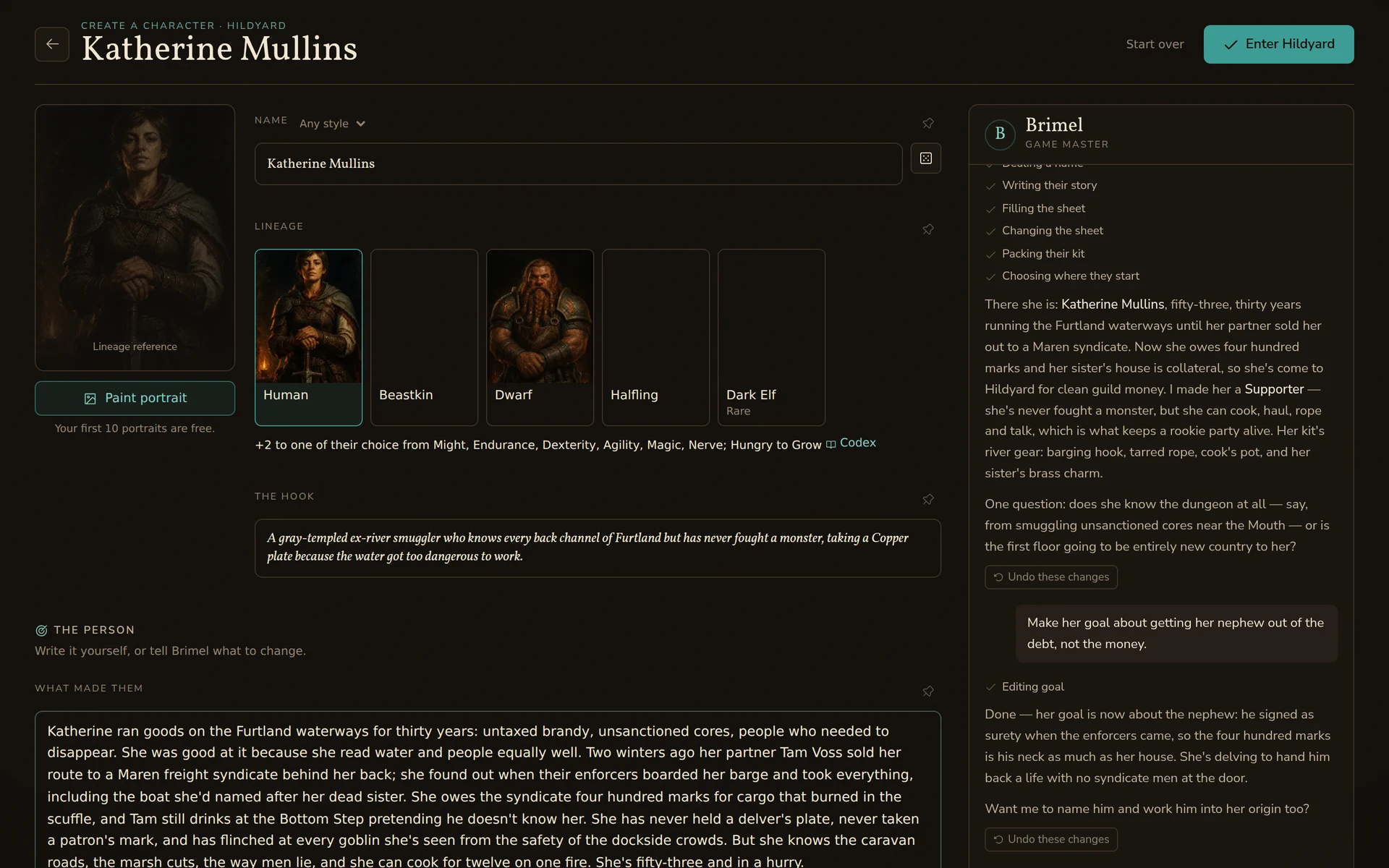
"Make her goal about her nephew, not the money." "Give me a shorter name." "Start her in the harbour town." The Game Master changes just that part, the part it changed lights up on the sheet, and every reply that changed something has an Undo under it. Rename someone and the story follows the new name.
- Pin what's yours. Every part of the sheet has a pin. A pinned part stays exactly as you wrote it, and the Game Master won't touch it.
- Fair numbers. Stats, power, kit and money come from the same rules as always, so asking nicely won't make a new character stronger. The Game Master will explain why instead.
- Fits the world. Want something this world doesn't have? The Game Master tells you, offers the nearest thing it does have, and lets you decide.
Learn the world as you go
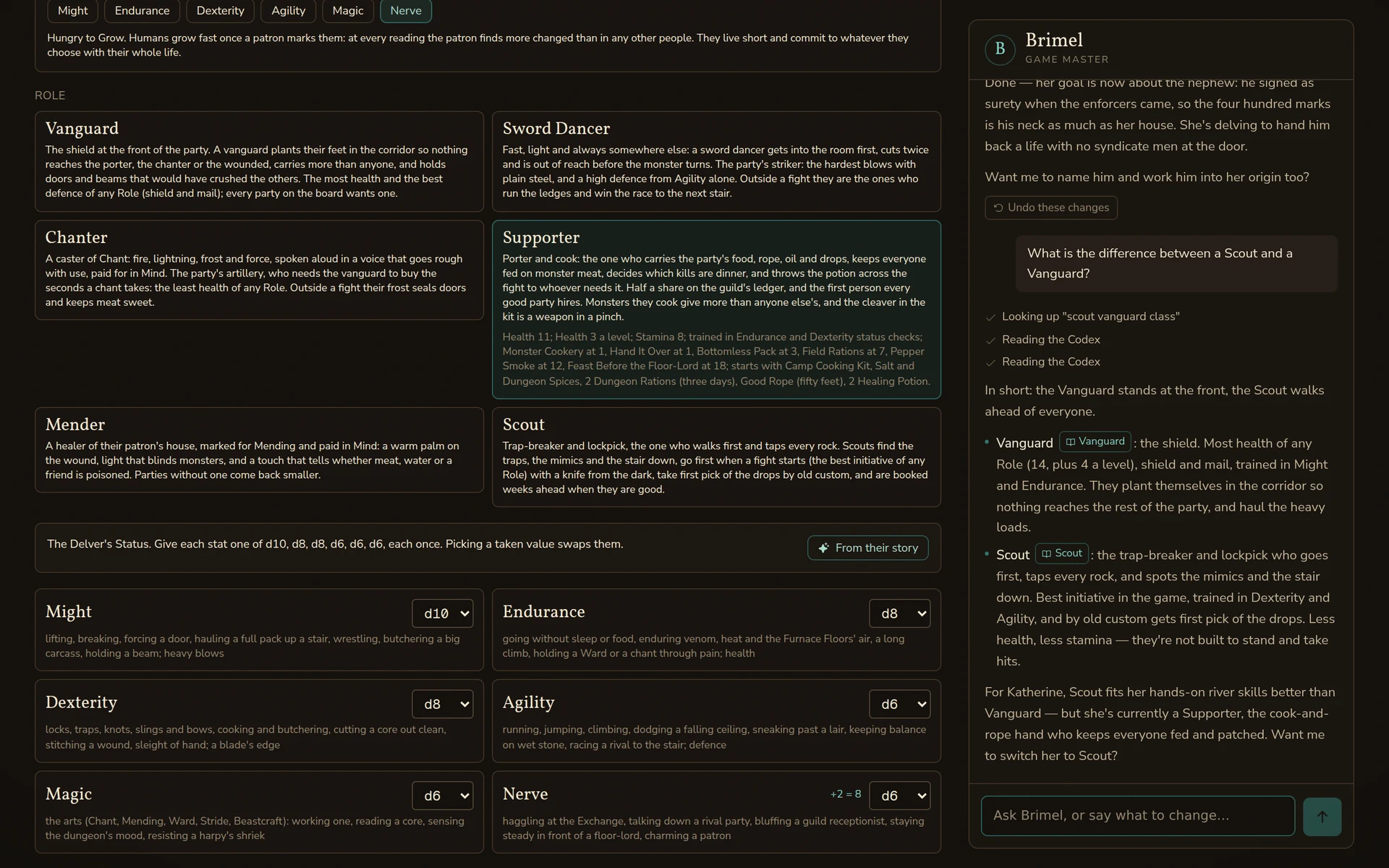
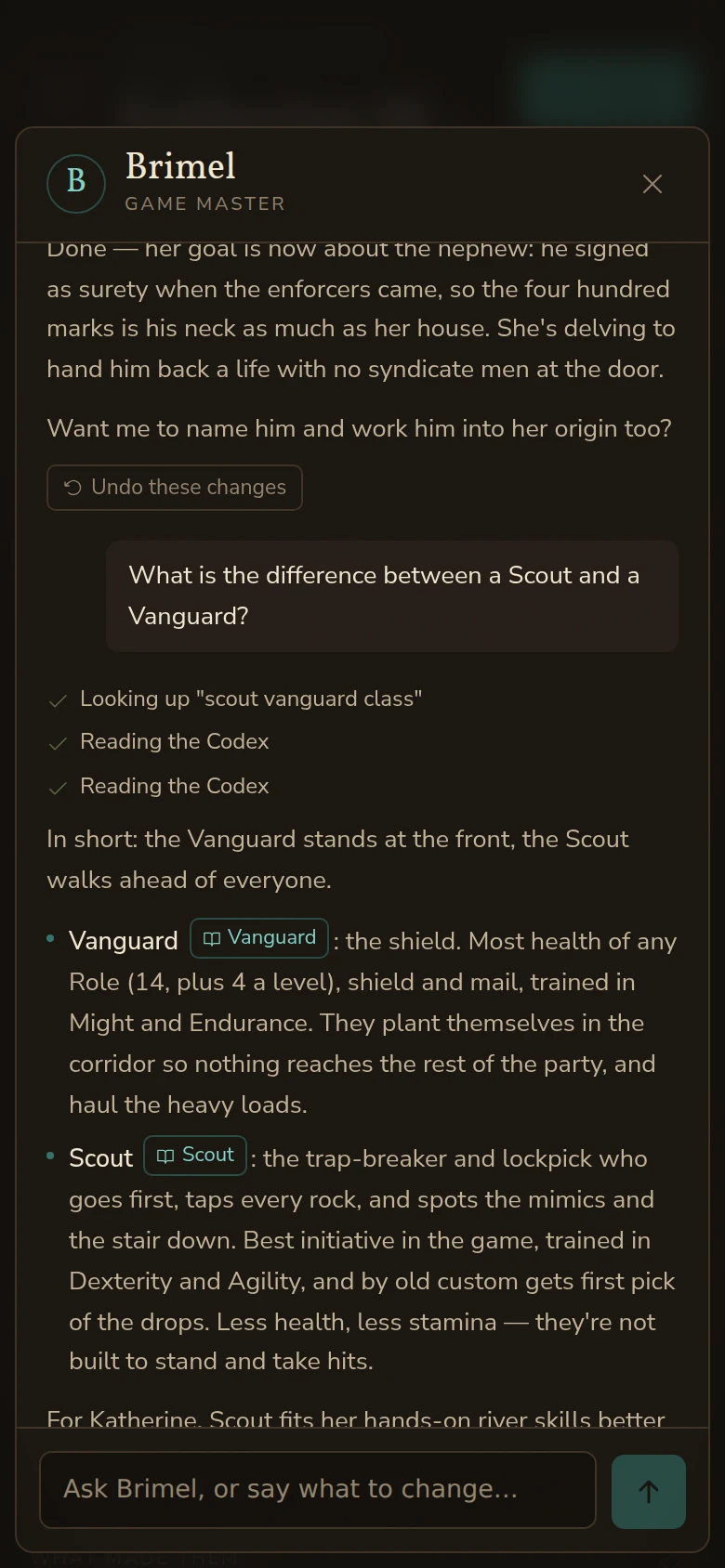
- Ask anything. "What's the difference between a Scout and a Vanguard?" The Game Master answers from the world's Codex in plain words and links the entries it used.
- Every choice is a card. Peoples, magic and starting places each come with a picture or a short line, a familiar comparison where it helps ("elf-like"), and a link to their Codex entry. Classes say what each one does at the table.
- Your story links to the world. The world's own names in your story show up under it as links to their Codex entries.
- How a roll works here. Worlds with their own rules explain their dice right above the sheet, in the Codex's words.
The small things
- A checklist instead of a greyed-out button. It says what's still missing, and each item takes you to its place on the sheet.
- Your draft waits for you. Close the tab and come back: the character you were making is still there.
- On a phone too. The Game Master opens from a button at the bottom of the screen.