Read your story like a visual novel
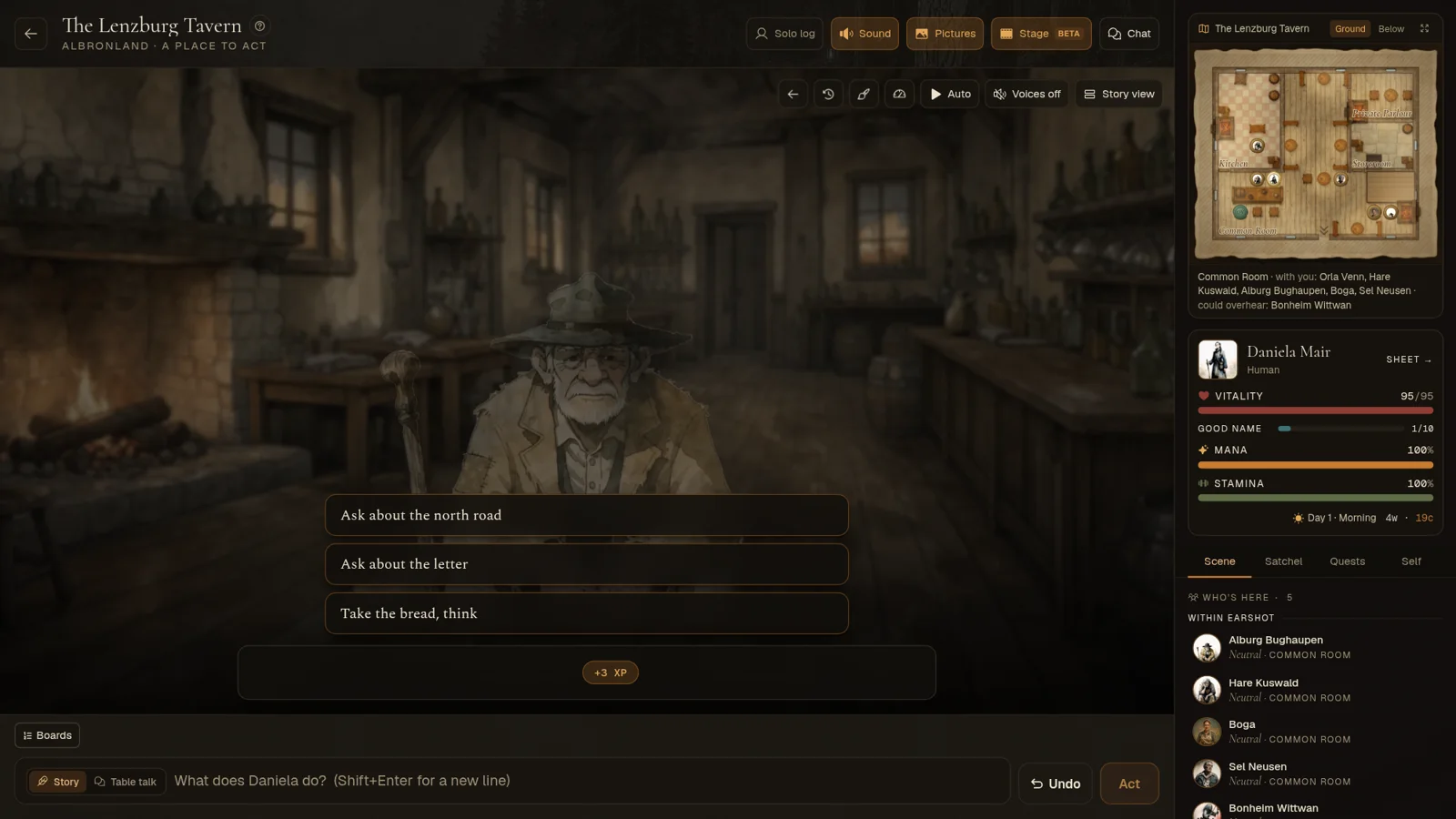
A new way to read your story: the people in the scene stand over a painting of the place, a line at a time, in their own voices. Plus a tour of the play screen.
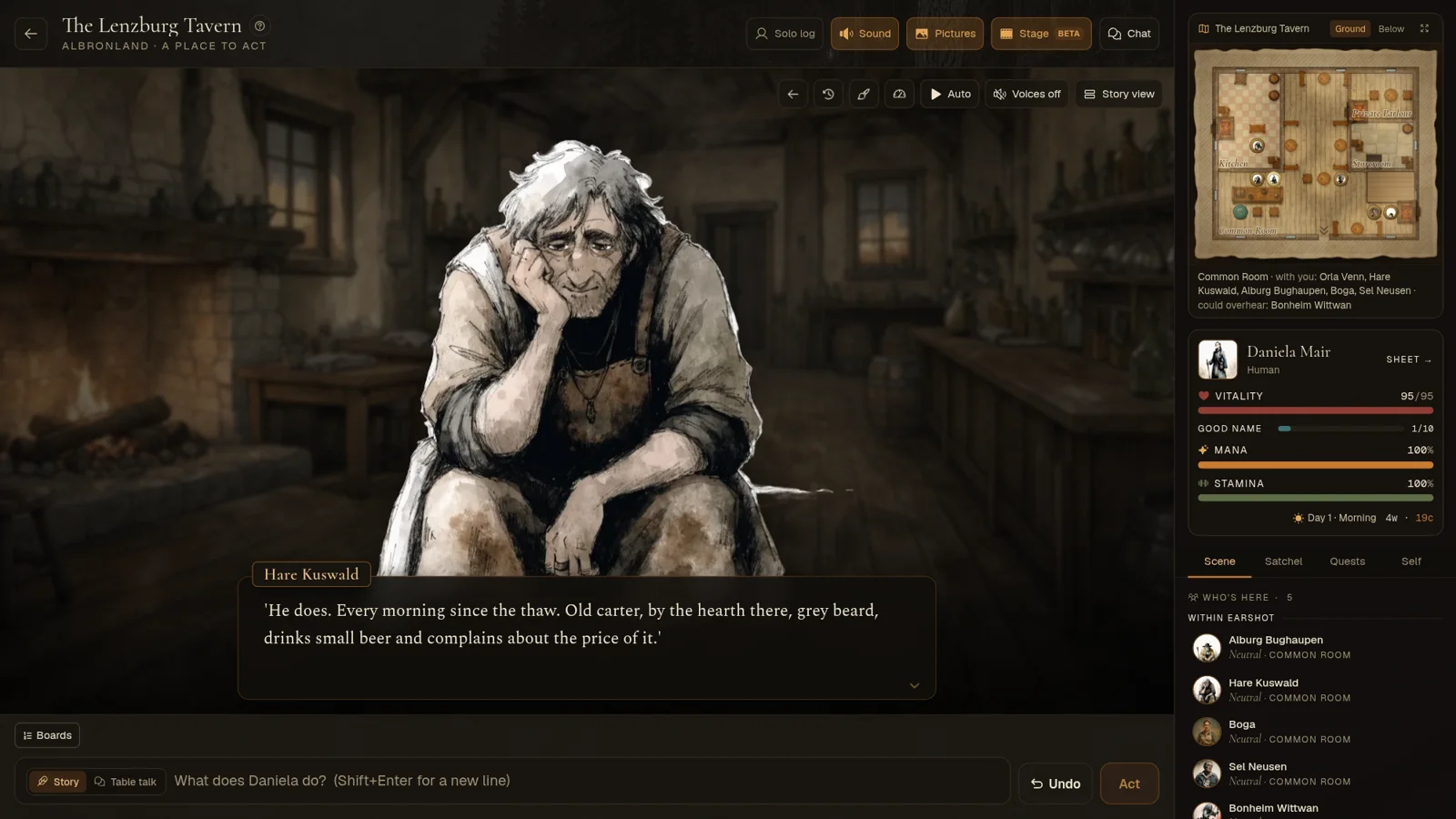
There's a new way to read your story. Press Stage in the play header (on a phone, it's in the ⋯ menu), and the log becomes a stage: the people in the scene stand over a painting of the place, and the turn plays out a line at a time. It's in beta, and it works in every world.
The stage
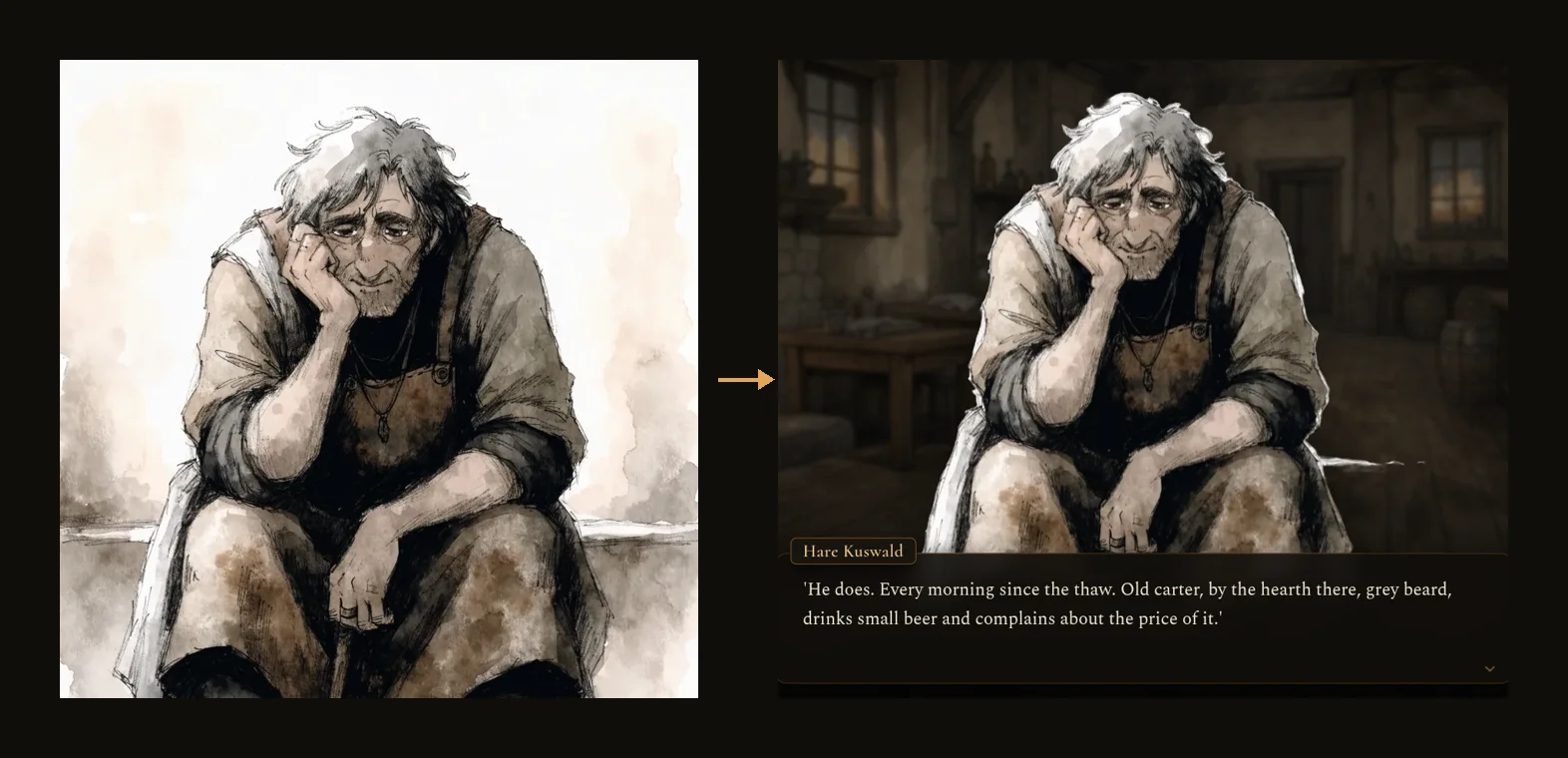
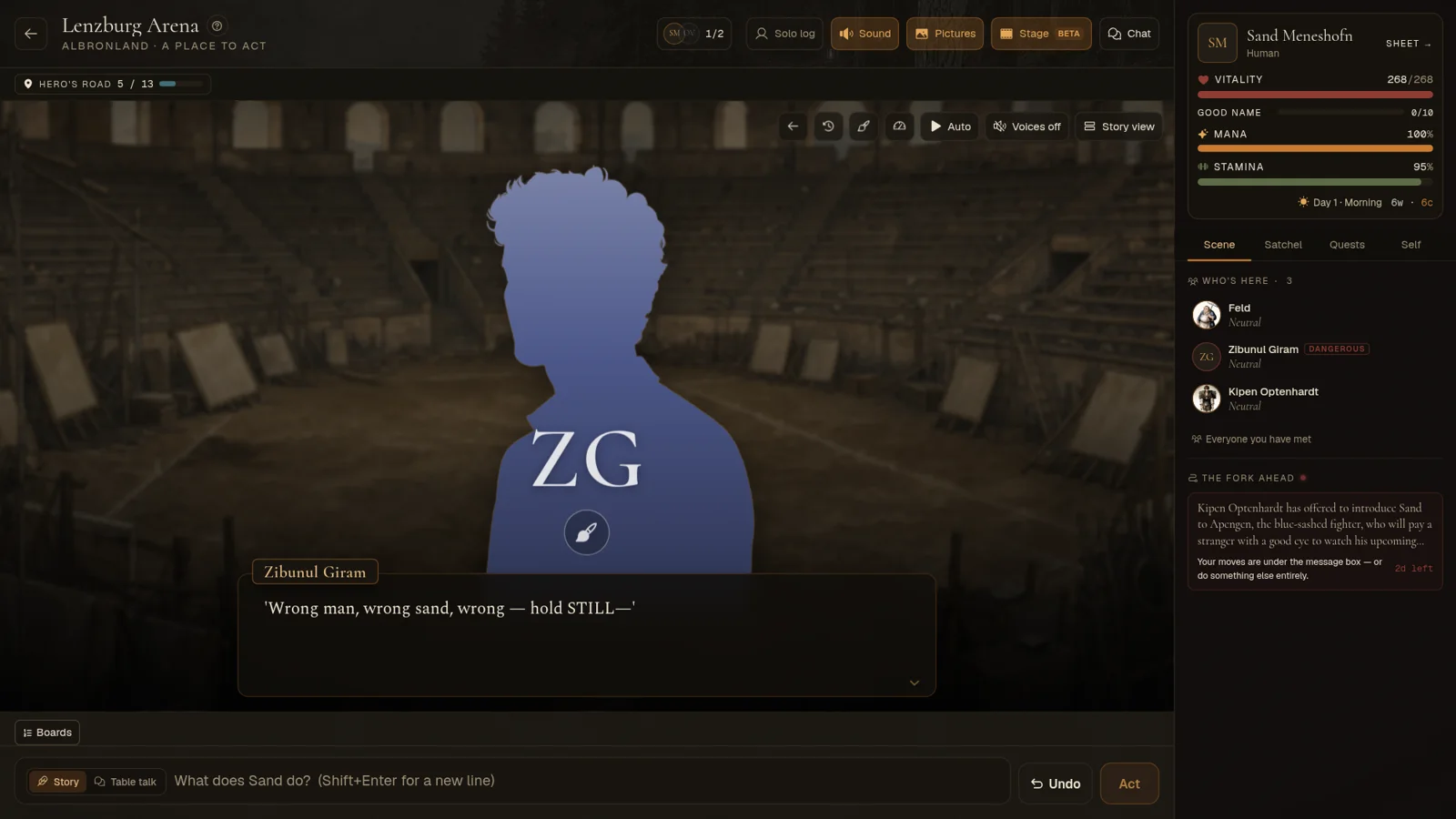
- Whoever speaks stands over the place. Everyone who talks is cut out of their own portrait and stands large in the scene. When you act, your own character steps up too, and so does anyone in your party.
- A painted place behind them. Each place gets a backdrop from 100 painted scenes, 40 fantasy, 30 present-day and 30 sci-fi, all empty of people so the speakers stand out. When the storyteller paints a picture of the moment, it fills the stage for that beat, then the place comes back.
- The time of day shows. The light follows the hour, softer indoors. Outdoors, rain, storms, snow or fog fall when the scene says so.
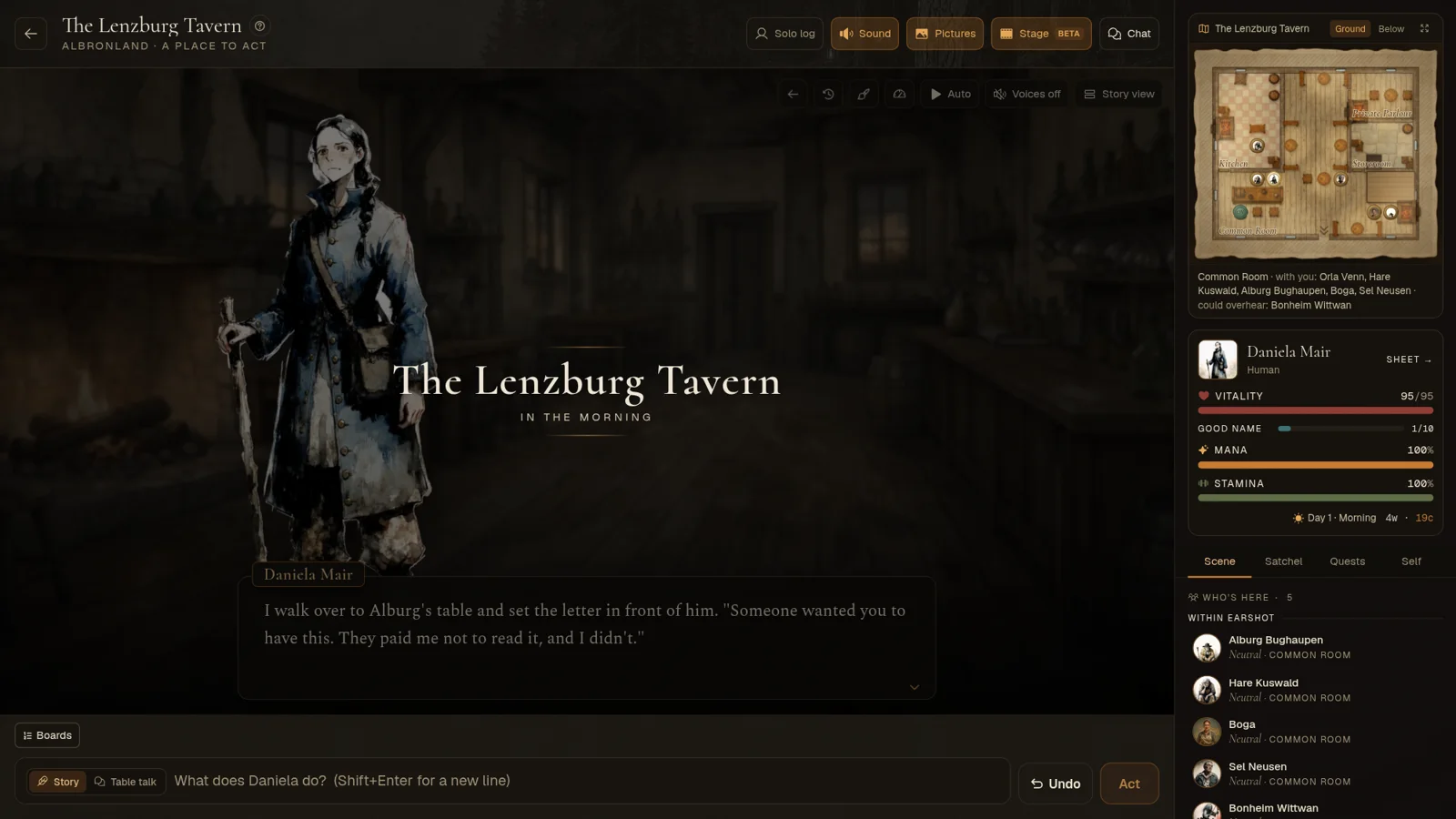
- Arriving somewhere shows the place's name and the hour. Through a doorway, the stage opens on your arrival, not on your last move in the room you left.
Reading
- A beat at a time. The turn plays in a text box at the bottom, a few sentences at a time, the words fading in. Tap, or press Space, Enter or the right arrow, to go on; the left arrow or Back a line steps back. In a dungeon or a fight on a map, the arrow keys walk the map instead.
- Auto reads on by itself at the speed you pick: slow, normal or fast. It shows a line about coin, a blow or a roll for a moment and carries on, and waits when something needs you, like a doorway.
- Skip what you've read. Hold the stage, or hold Ctrl, to run through lines you've already seen.
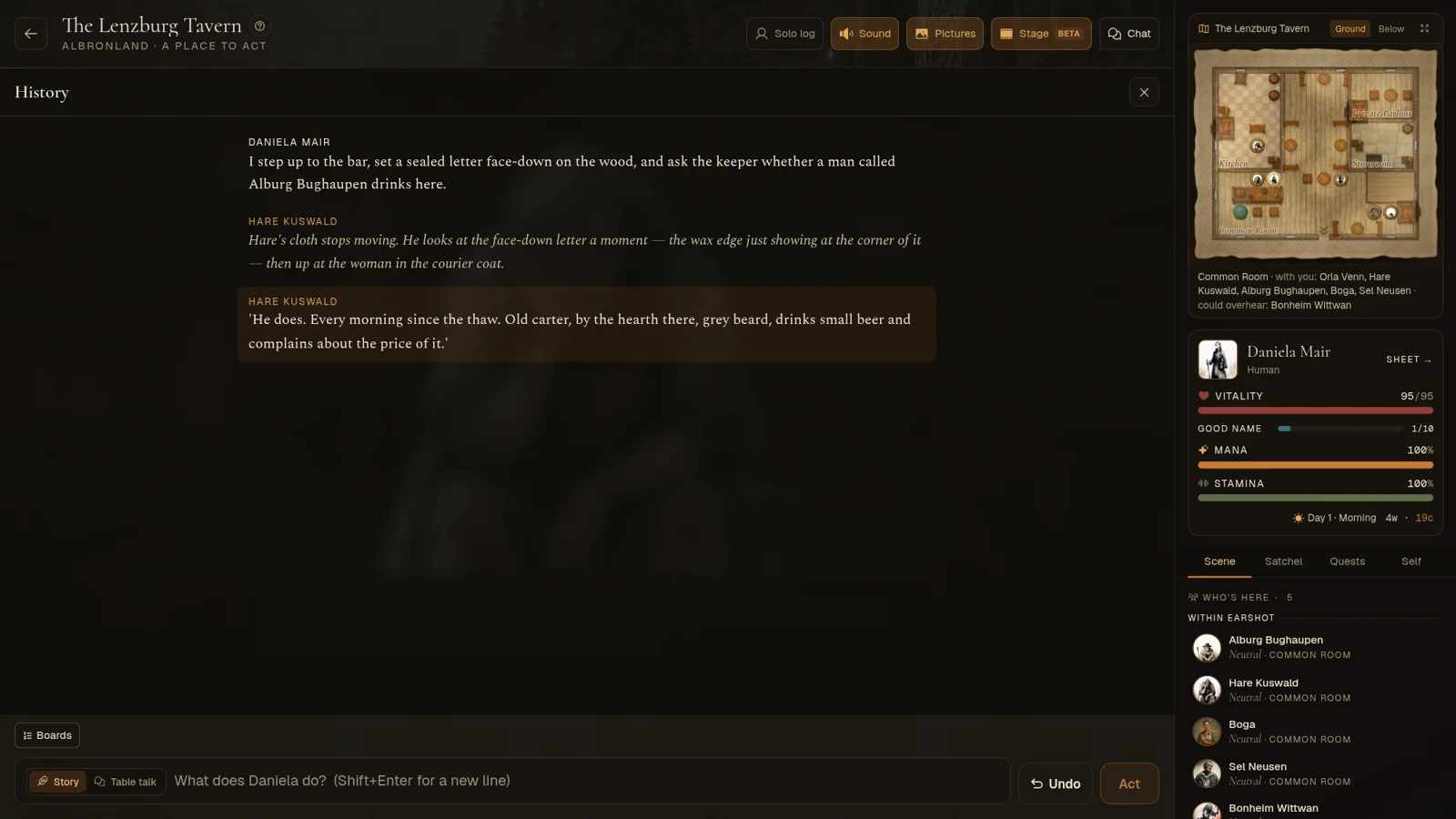
- History shows every line so far. Tap a line to go back to it, or replay a line that was voiced.
- Faces react. Each speaker moves with how their line lands: angry, amused, wary, afraid, and so on.
- While the world is thinking, a small line under your move shows what it's doing, as in the story view.
Your move
- Choices on the stage. When it's your move, the turn's ideas stand over the scene. Picking one puts it in your box, so you can change it before you send.
- The story view comes back when it's needed. A roll, an offer or a party round waiting on you steps the stage aside so you can deal with it. Story view switches back any time.
- Playing together: when someone in your party acts, their move stands on your stage with what the world is doing under it, then their reply plays as it lands.
Faces and places
- No portrait yet? Someone without one stands as a coloured silhouette with their initials, shaped for who they are: a man, a woman, someone in between, or a creature. They keep the same shape and colour every time.
- Tap the brush on their chest to open their page and paint a portrait. It takes their place on the stage straight away, and the lines they've already said show it too.
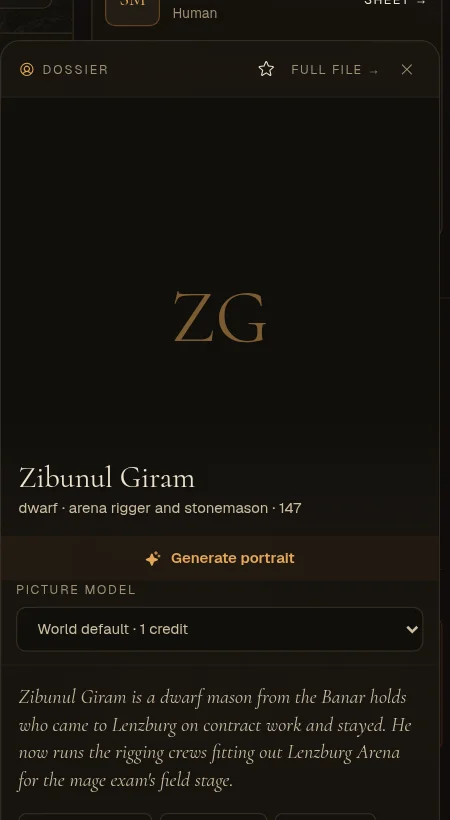
- Paint a place. If none of the backdrops fits, the stage says so and offers to paint one for 1 credit. It's kept on the place, so everyone who plays there afterwards sees it for free. If two people ask at once, only one pays, and if the painting fails, you get the credit back.
Voices
- Only what people say is read aloud, each person in their own voice, in the mood of the line. Narration stays on the page.
- A voiced turn on the stage costs half a credit: 1 credit covers two. Lines you've heard before replay free, and a turn that had nothing new to voice costs nothing. Voicing a whole scene in the story view is still 1 credit.
The storyteller writes for it
With the stage on, the storyteller writes for it: every spoken line goes to the person who says it, so it gets their face and voice, and narration comes in short beats. Your pacing, reply length and story settings stay as you set them.
On a phone
The stage fits a phone, with big figures and a text box at the bottom. When a dungeon or battle map takes most of the screen, the stage reads compact: the figures step aside and the line fills what's left, with your choices under it.
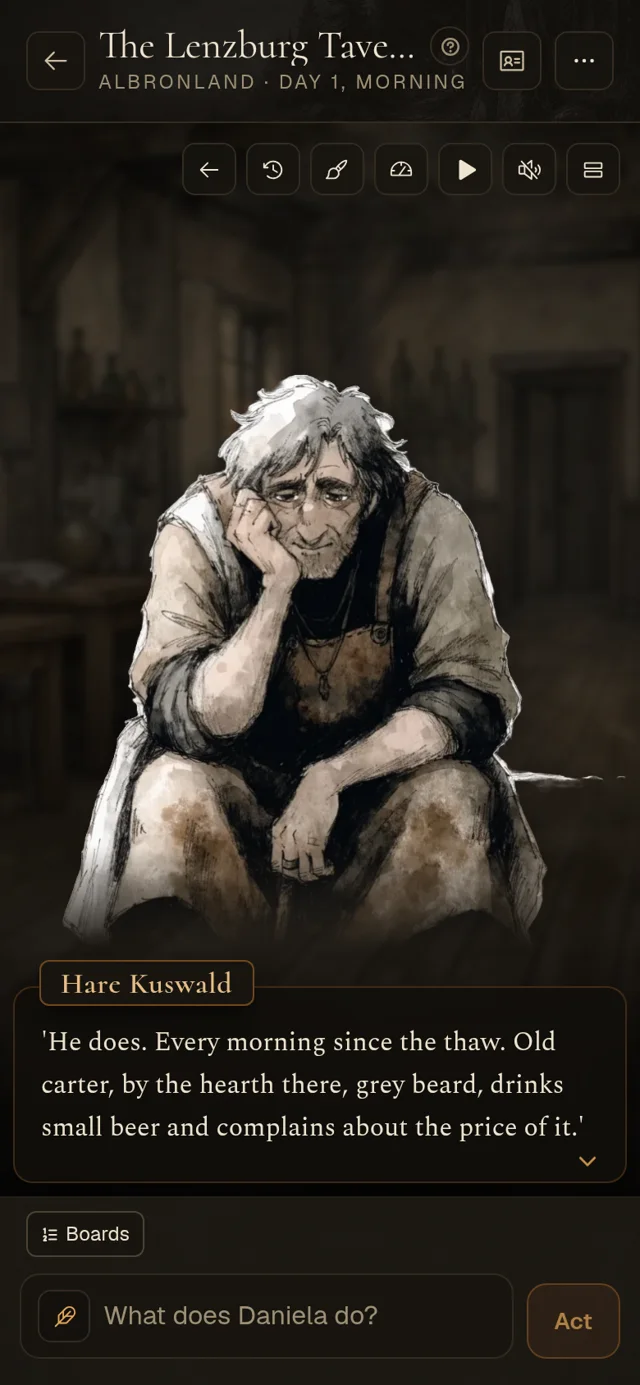
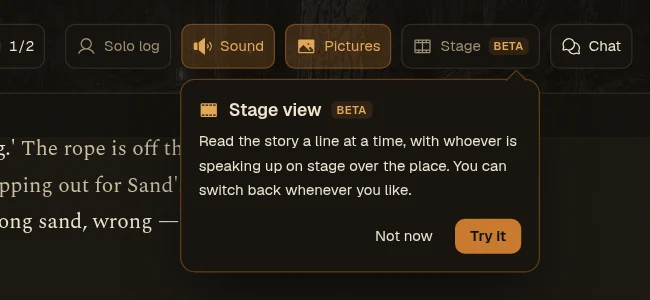
The first time you've played a few moves, a small card under the Stage button points it out once.
Also new: a tour of the play screen
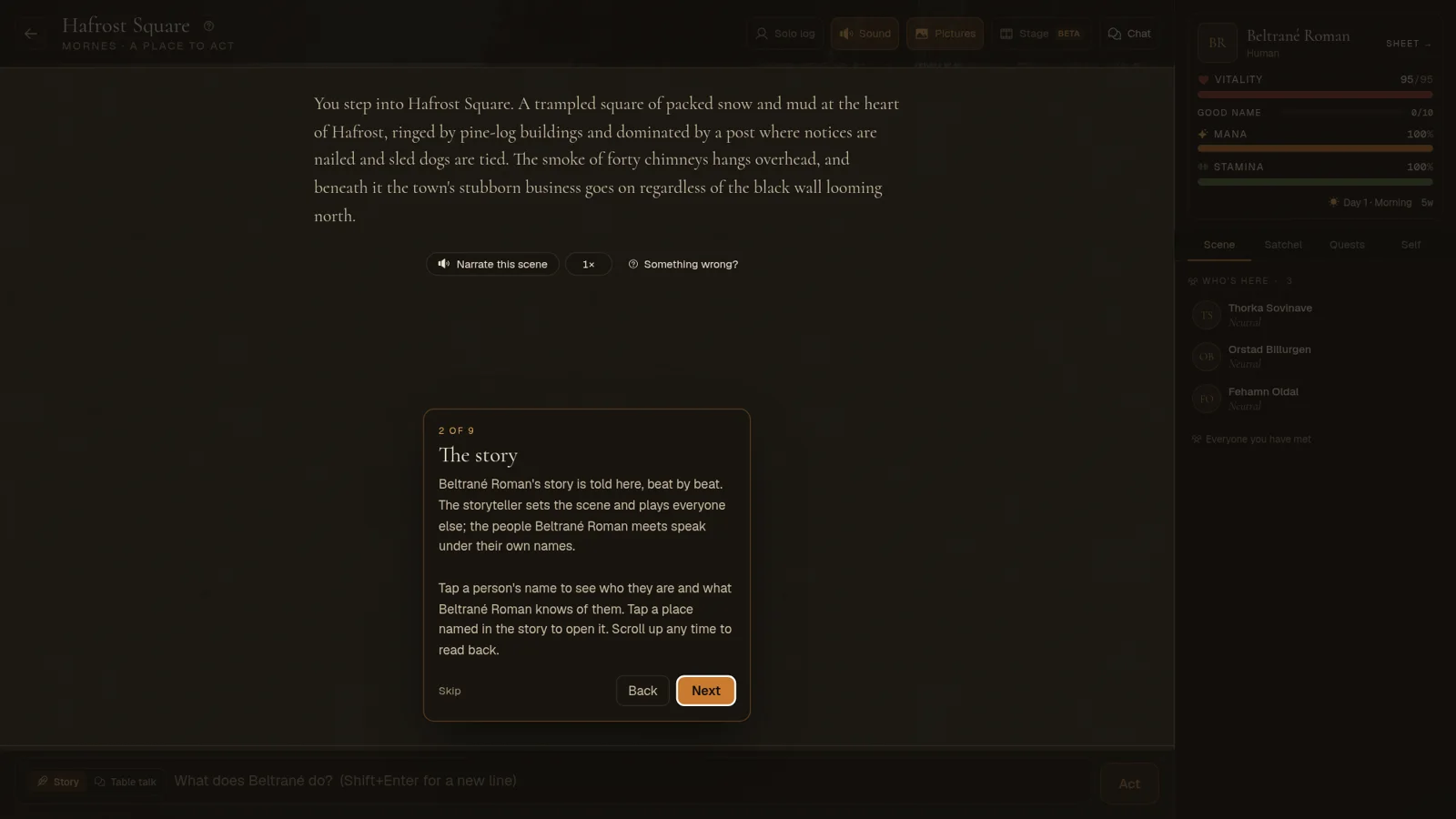
Someone new is shown around the play screen the first time a scene lands: where they are, the story, the ideas, the box and Act, table talk, the ledger and its tabs, health and time, the menu, and how to leave. It takes a minute, and it can be skipped. The first scene's guide now shows only in a quick dungeon run.
The full guide is in the docs, under Playing → Reading on the stage.